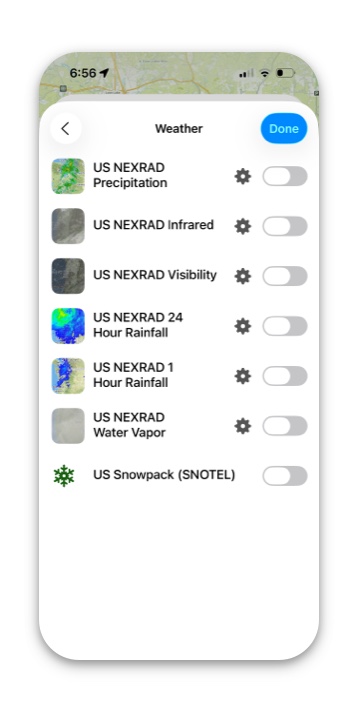
These are the Weather Overlays available in Topo Maps+ (updated every hour):
- US NEXRAD 24 Hour Rainfall
- US NEXRAD Infrared
- US NEXRAD 1 Hour Rainfall
- US NEXRAD Water Vapor
- US NEXRAD Visibility
- US NEXRAD Precipitation
Enabling the Weather Overlay
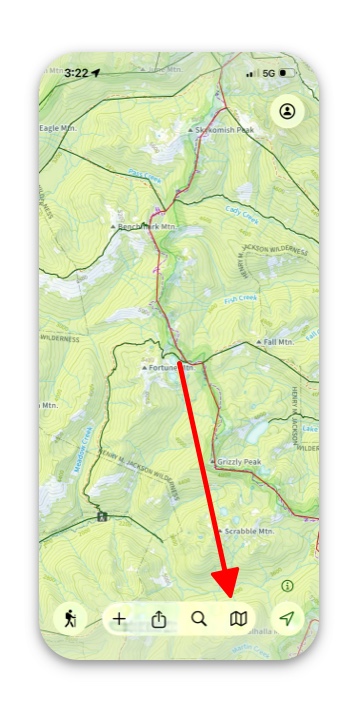
- Tap the folded map icon in the bottom right corner
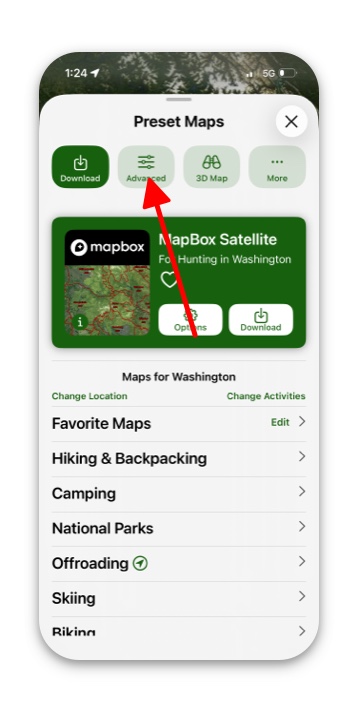
2. Select Advanced if you’re not already viewing the advanced menu.
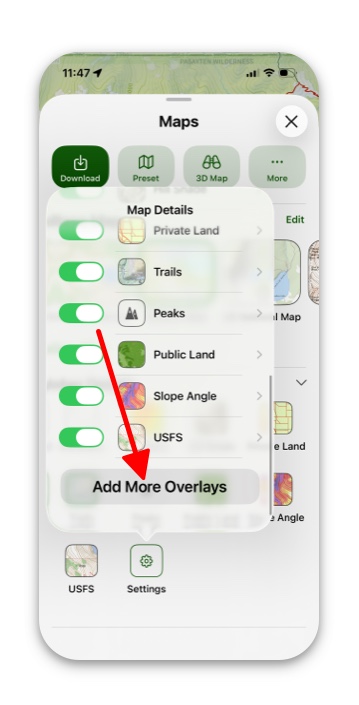
3. Tap Settings, then Add More Overlays.
4. Select Weather from the Overlay list.
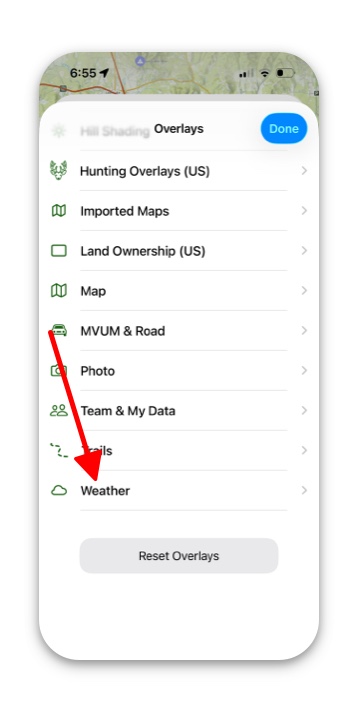
5. Select a weather overlay.