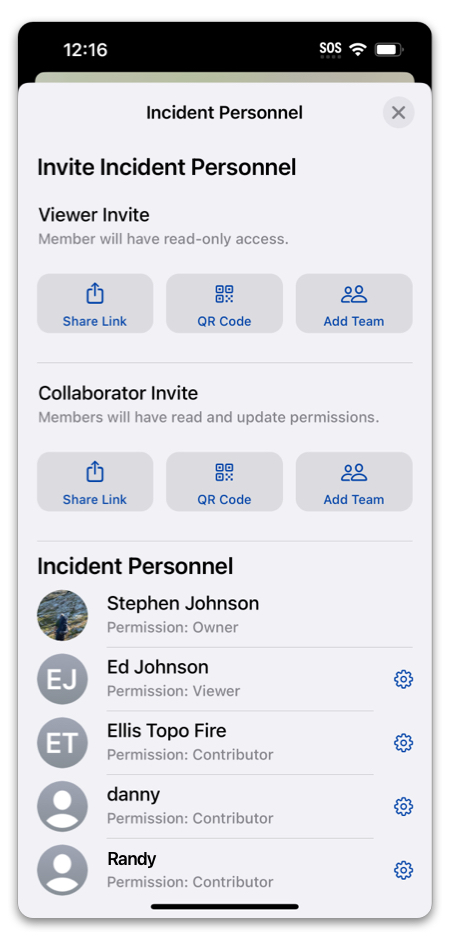
Teams are very useful for organizing a group of people you normally work with. Teams are separate from Incidents, so you can have Team Data outside of an incident, as well as inviting your whole team to an incident.
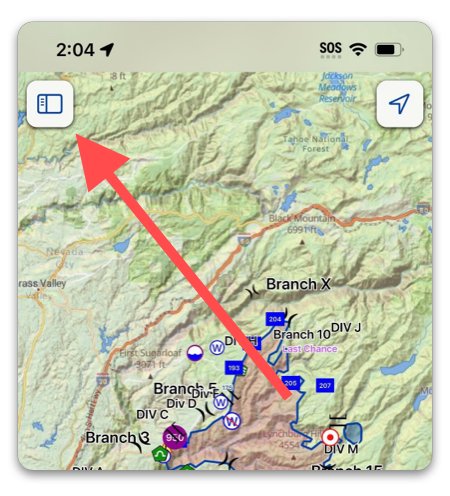
To create a Team in Topo Fire, tap the menu in the top left corner:
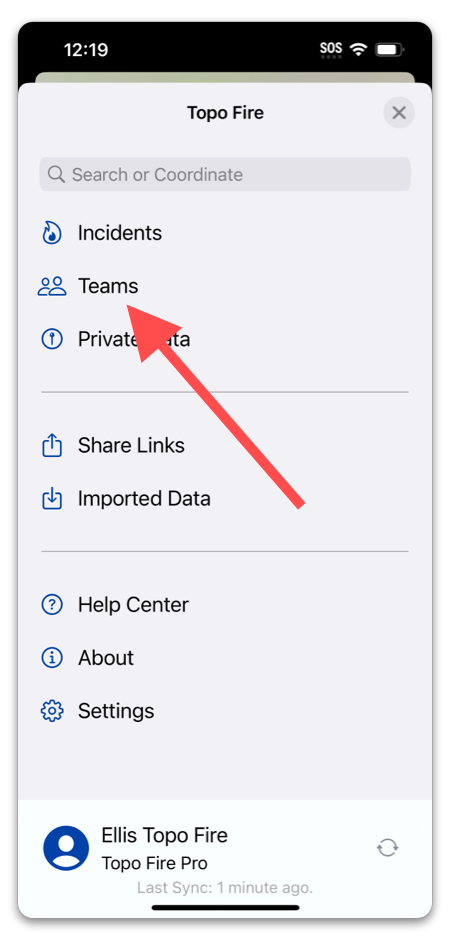
Then select “Teams” in the menu:
From here, you can select a Team you are a part of or have created, or create a new Team:
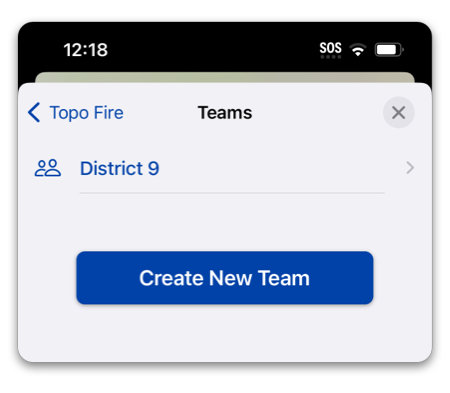
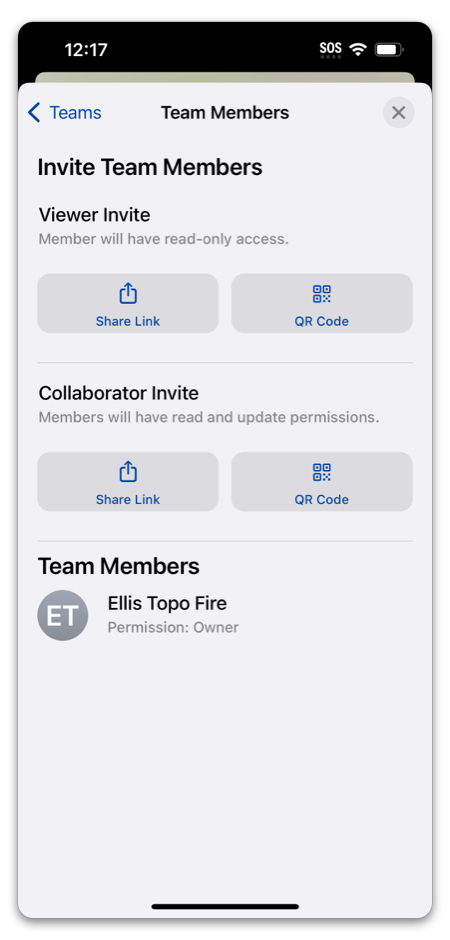
When creating a team, you will be prompted to add members, but you can skip this step until later, if you aren’t ready to add anyone yet.
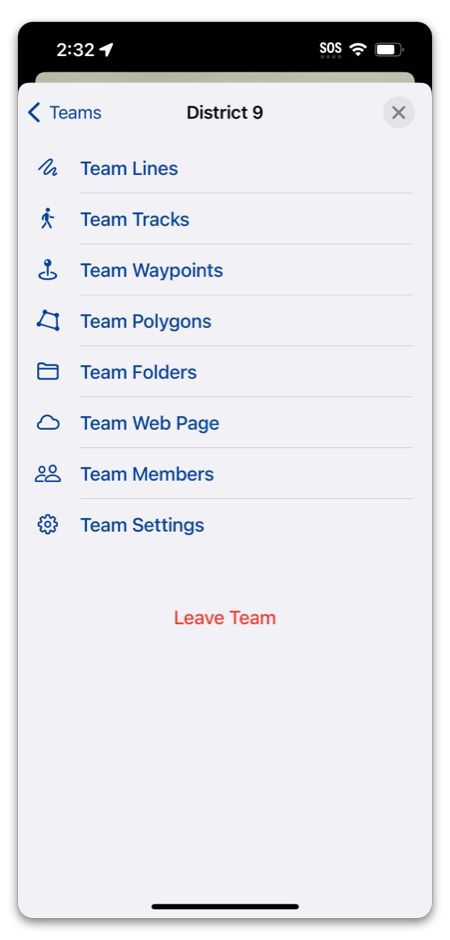
In the Team menu, you can view all of the Team Data:
To invite a team to an incident, select “Invite & Manage Personnel” from the Incident menu:
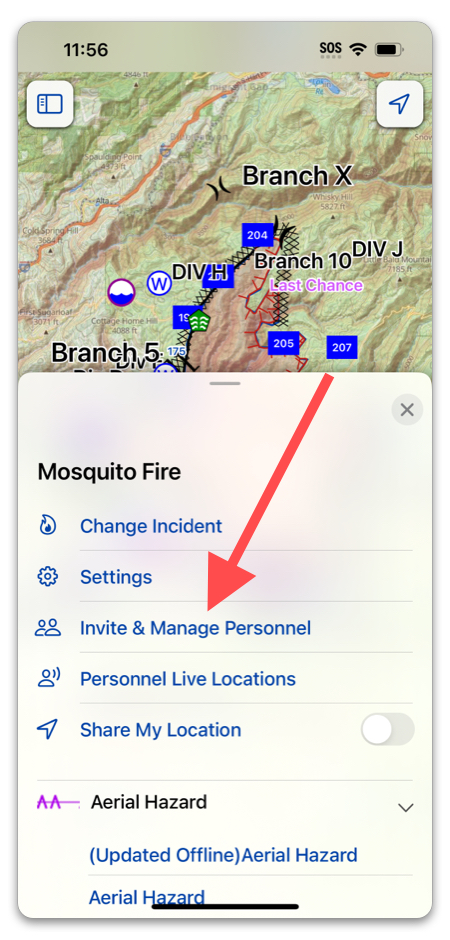
Then select “Add Team”: