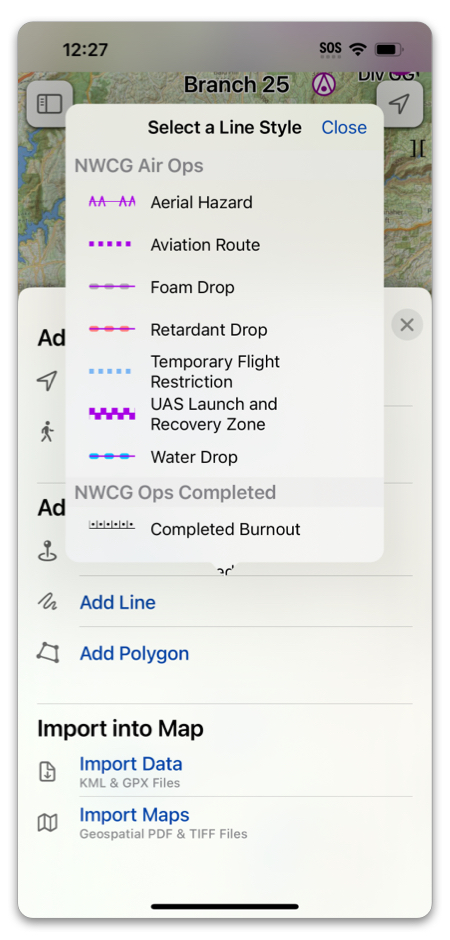
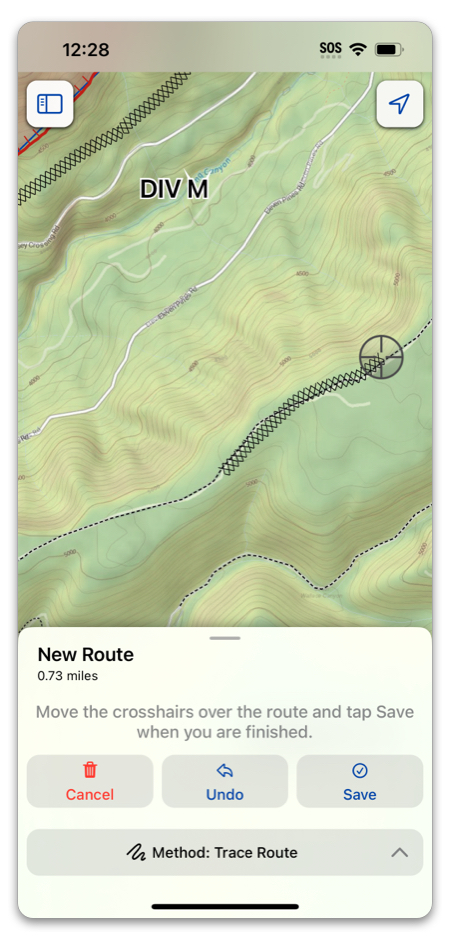
Topo Fire has all of the standard NWCG and ICS symbols available, so you can drop waypoints and draw lines with confidence that your map will be understood by your teammates.
To add a Waypoint, you can hold your finger anywhere on the screen:
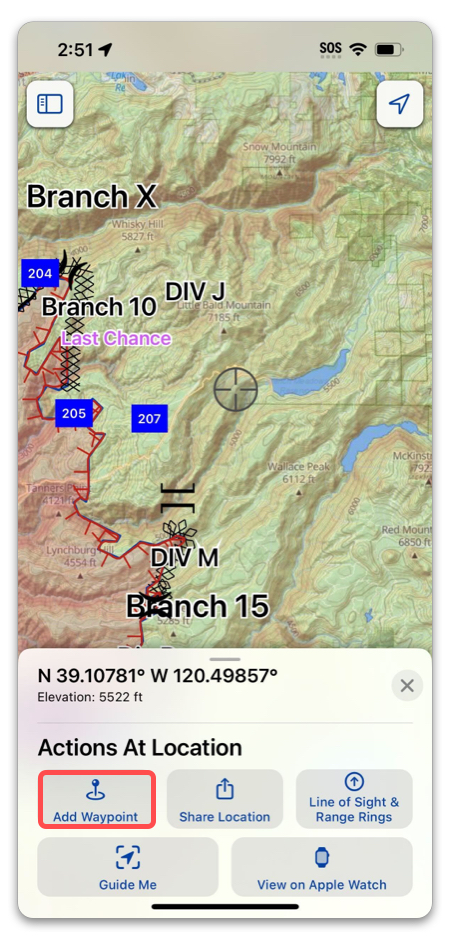
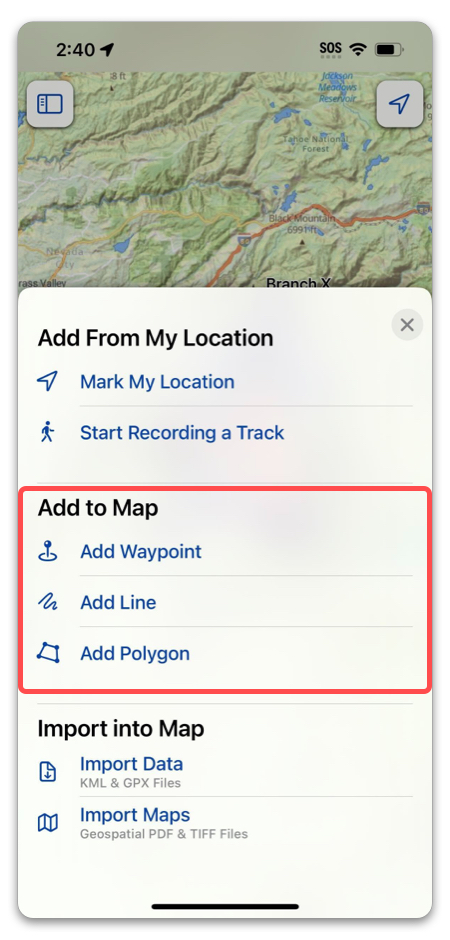
Or, tap “Add” in the toolbar:
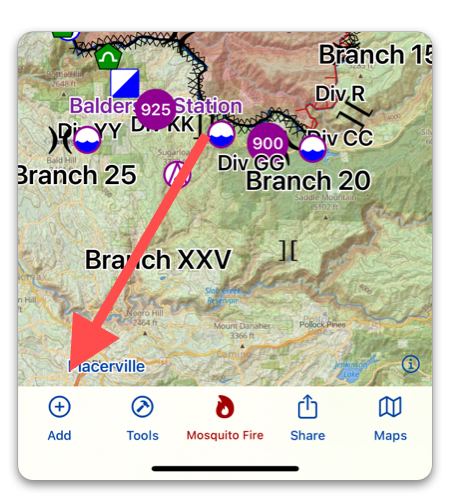
From the Add menu, you can also add a Line or a Polygon.
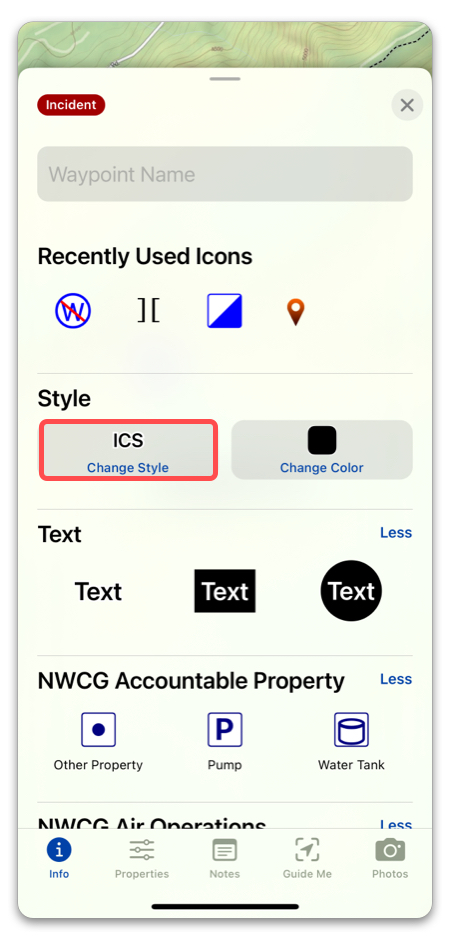
After dropping a Waypoint, you can select the Symbol you want to display. You can also choose plain text, or text within a shape. The symbols are arranged by category in alphabetical order.
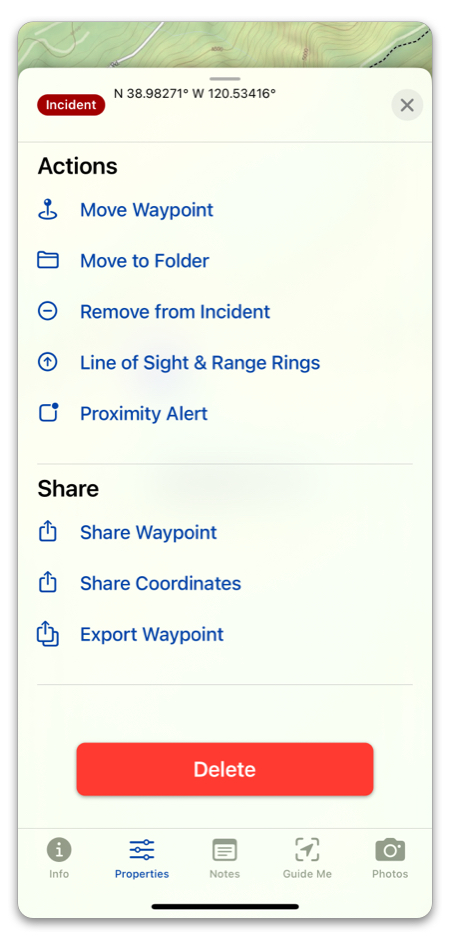
Selecting “Properties” in the bottom toolbar will show you actions you can perform with your waypoint:
When creating a Line, you will be prompted to first select what style you want your line to be. Then, you can select the drawing method you want to use, and draw your line. Afterwards, you can always change the line style in “Line Style” in Properties. For more about drawing lines, go here.