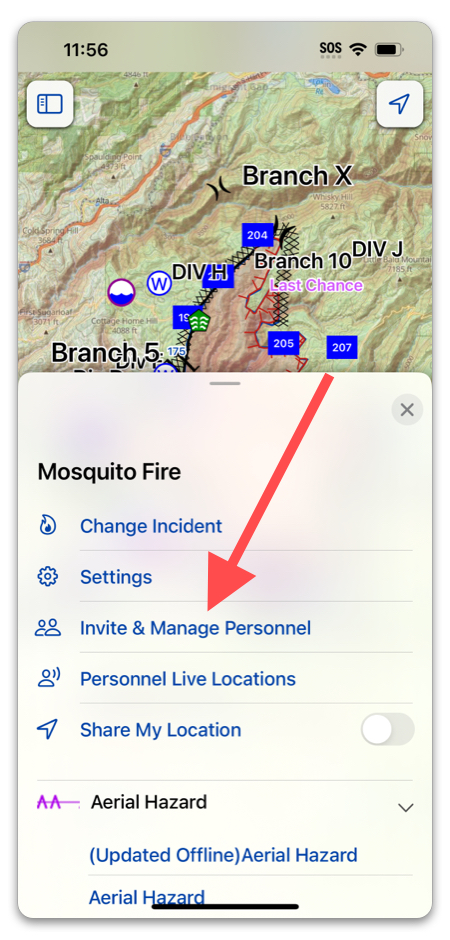
To add personnel to an incident, tap “Invite & Manage Personnel”:
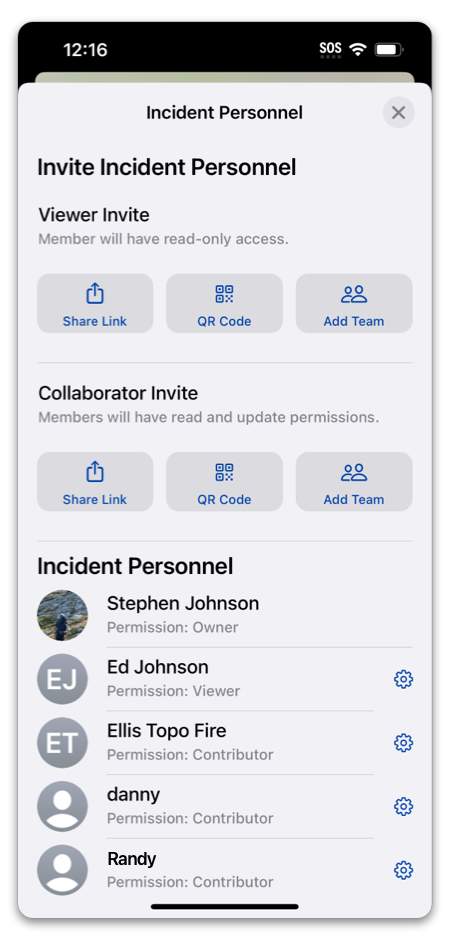
Invite Methods:
- Share Link: This will generate a URL that you can send via text, email, or other messaging app. If it is clicked on in a device that has Topo Fire installed, the invitee will be able to select “Open in App”.
- QR Code: This is a great way to add members whom you do not have contact info for. A QR code will appear on the screen, and your invitee can simply scan it with their phone!
- Add Team: If you are part of a team, you can invite the whole team to an incident with this button.
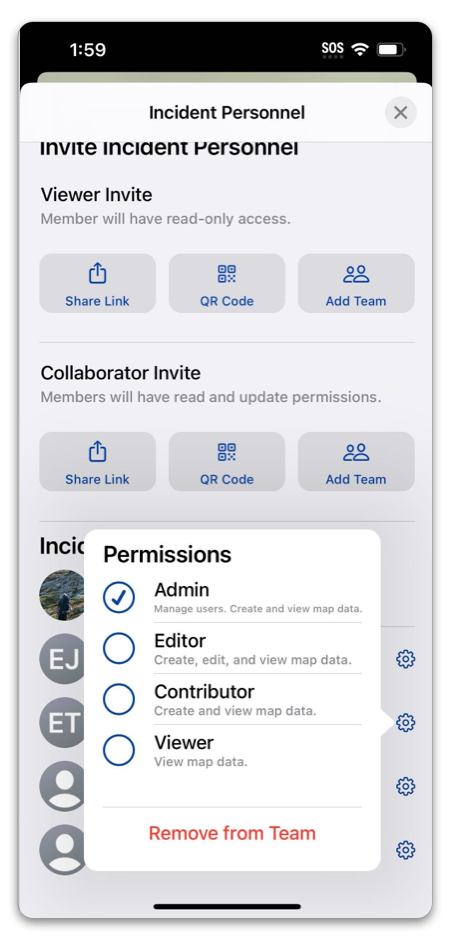
Tapping on the gear icon next to a member’s name lets you change their status on the incident: