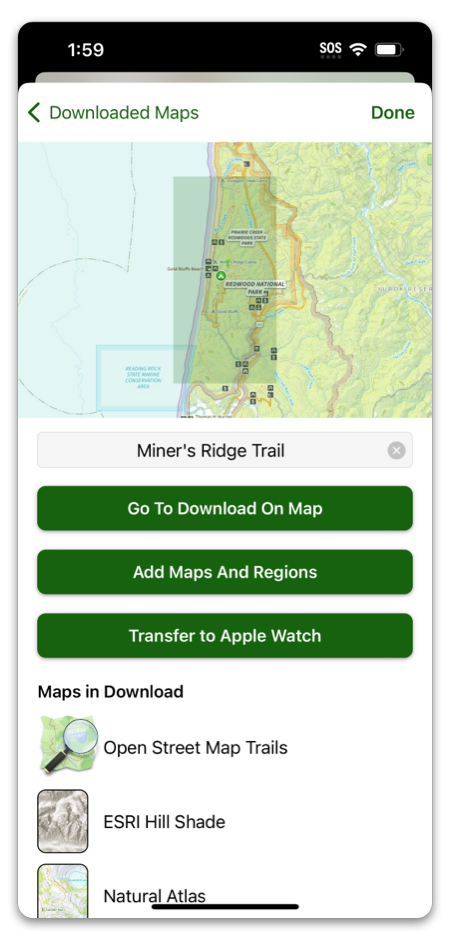
Although you can download maps right from the watch, it’s a lot easier to download from your iPhone, and if you already have downloads on there, you can send them straight to the watch.
Here’s how:
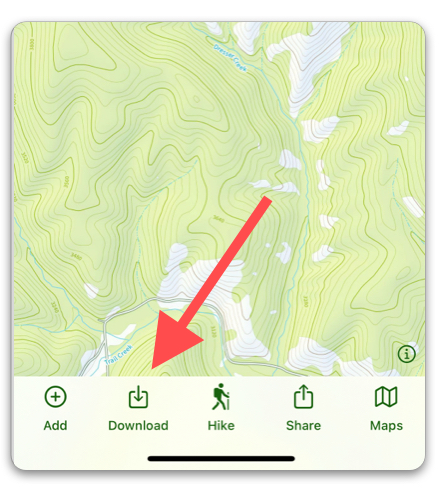
- Tap “Download” from the toolbar.
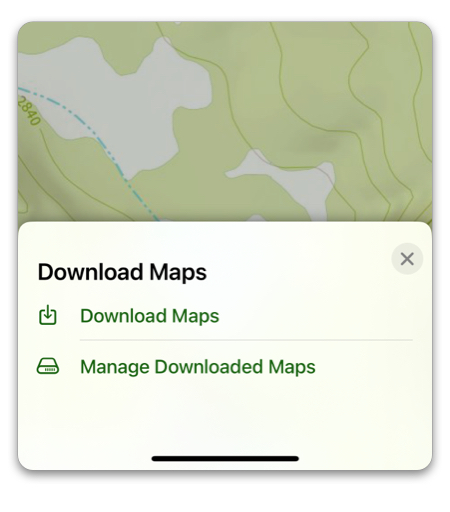
2. Tap “Manage Downloaded Maps”.
3. Select a map and tap “Transfer to Apple Watch”.