
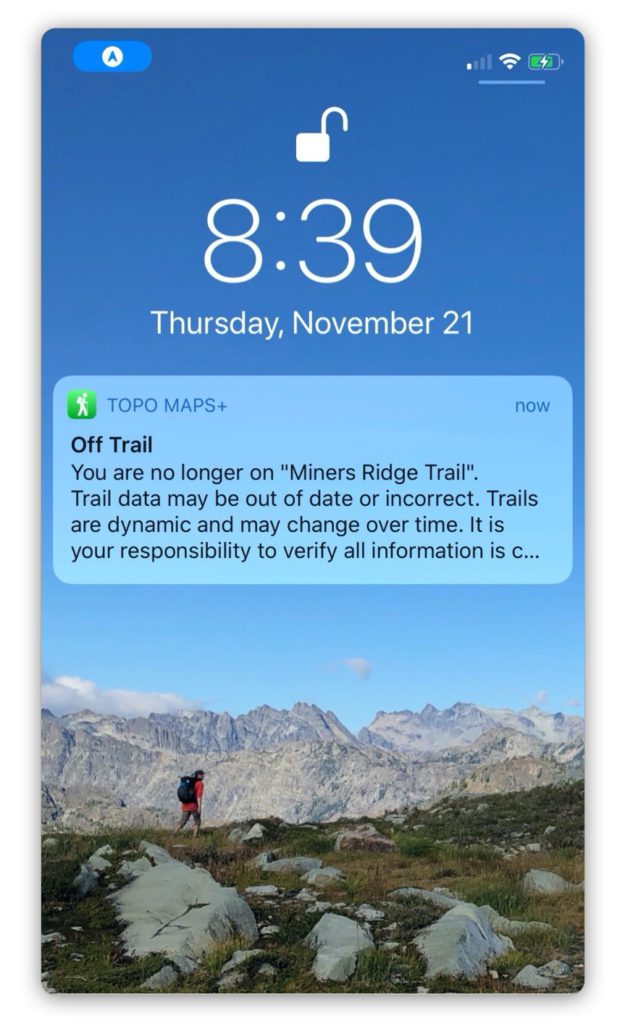
Proximity Alerts in TopoMaps+ let you set up a notification to go off when reaching a certain distance away from a route, region, or waypoint.
You can set one up from the hike menu, or by tapping on a route, region or waypoint:
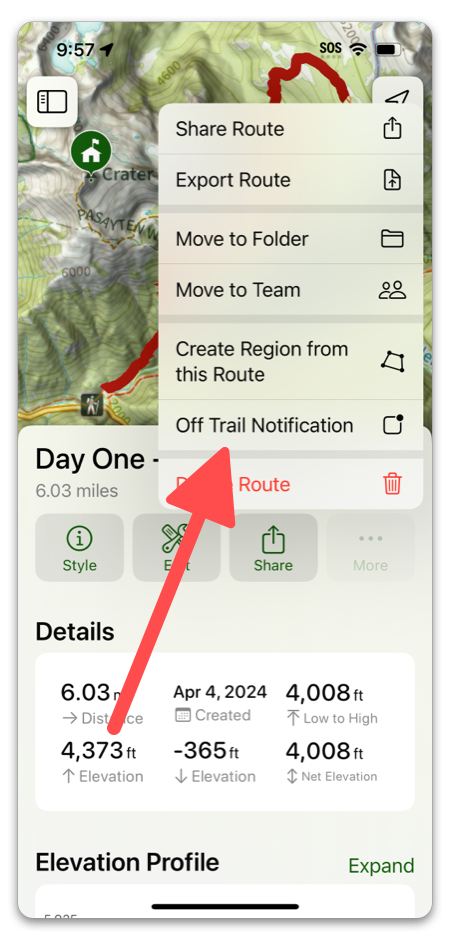
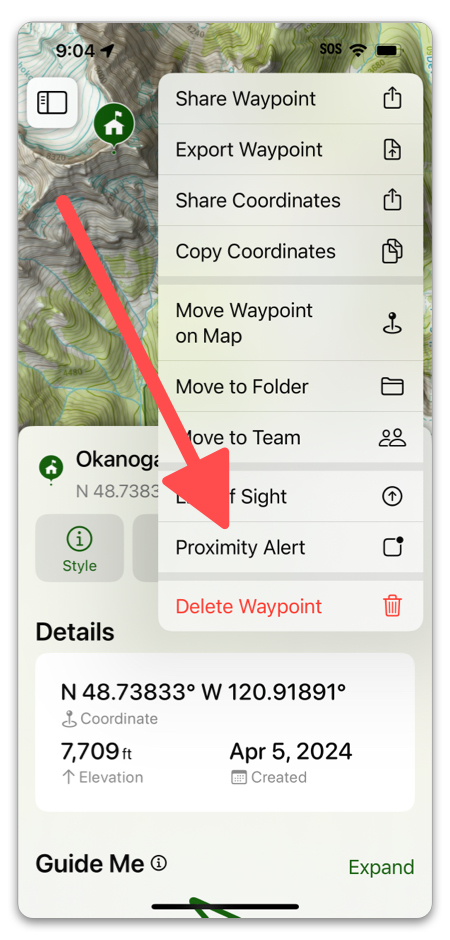
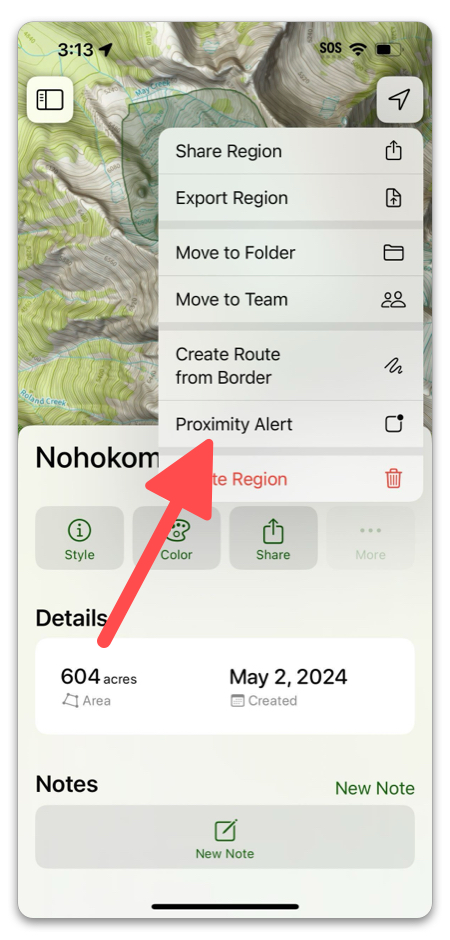
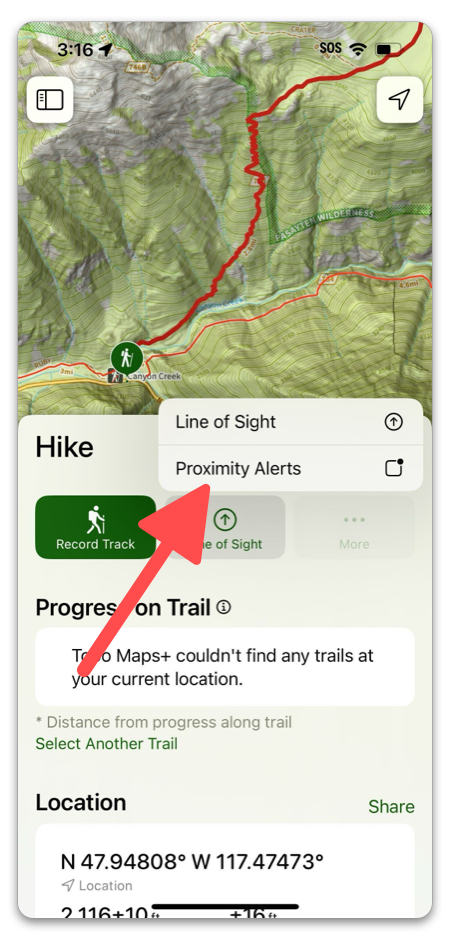
Note: Proximity Alert is called “Off Trail Notification” when you tap on a trail first.
When you navigate from the hike menu, you will have to select from the following:
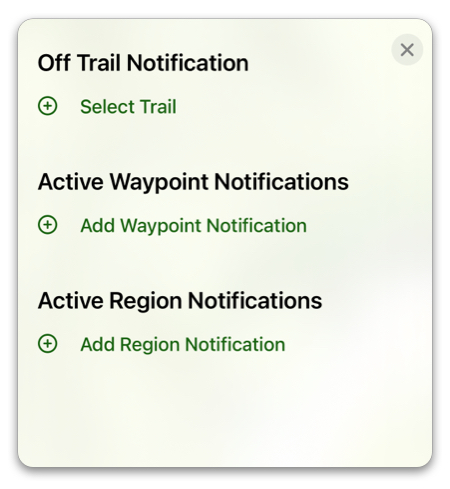
Otherwise, any way you set up a proximity alert will end up at this menu:
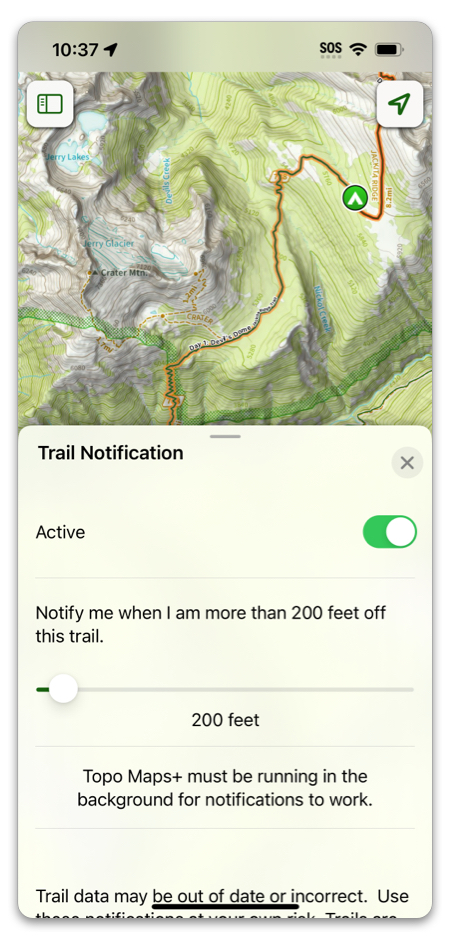
Then select the distance at which you want TopoMaps+ to notify you.
Here are some common uses for proximity alerts:
Routes: Proximity alerts can be helpful for navigating a poorly marked trail, or has experienced some re-routing due to reclamation projects. By setting a proximity alert tied to the route, your phone will notify you when you have gone too far off. For more about creating a route, click here.
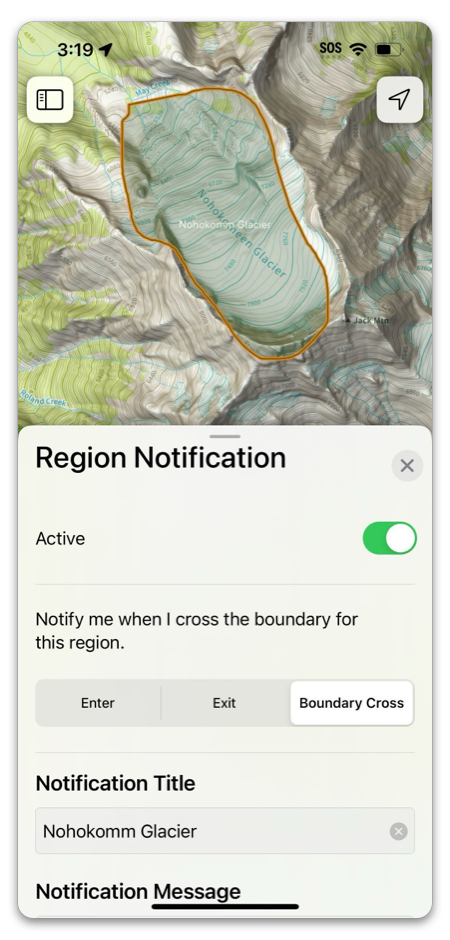
Regions: With regions you can mark off things like an area where there is danger of avalanches, boundaries to private property, etc. Creating a proximity alert tied to that region will help you keep away. For more about creating a region, click here.
Waypoints: Maybe there is a split in the trail, or a particular sight off the track that you want to be notified of when you are getting close. A proximity alert makes it so you don’t have to keep checking the map. For more about creating waypoints, click here.