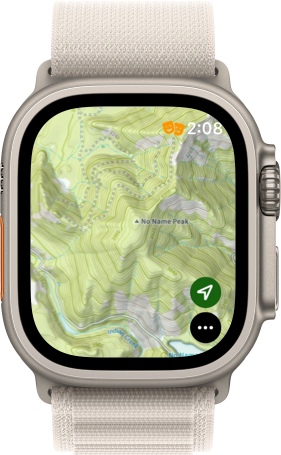
Normally, it is difficult to navigate to a certain spot on the map with the Apple Watch App, but you can actually get to a spot on the iPhone and pull up the same view on the Watch:
- Make sure Topo Maps+ is pulled up on your Watch.
- Tap and hold on your iPhone screen where you want the view to be centered on.
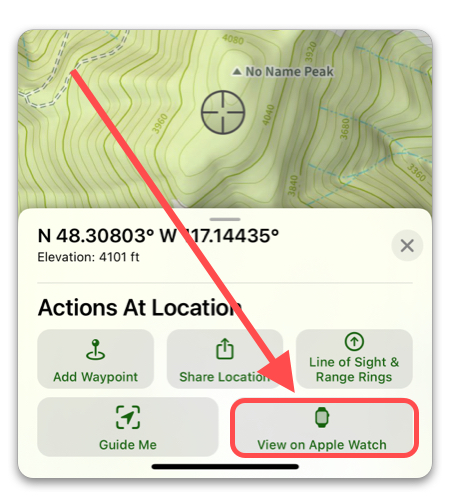
2. Once this menu comes up, tap “View on Apple Watch”. That’s it!