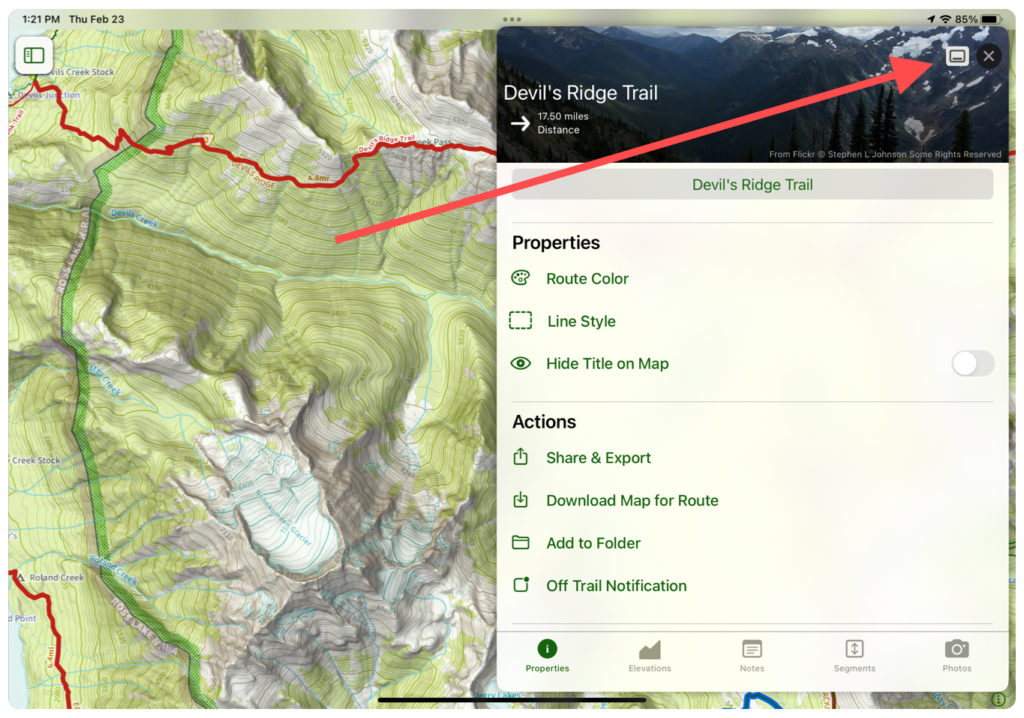
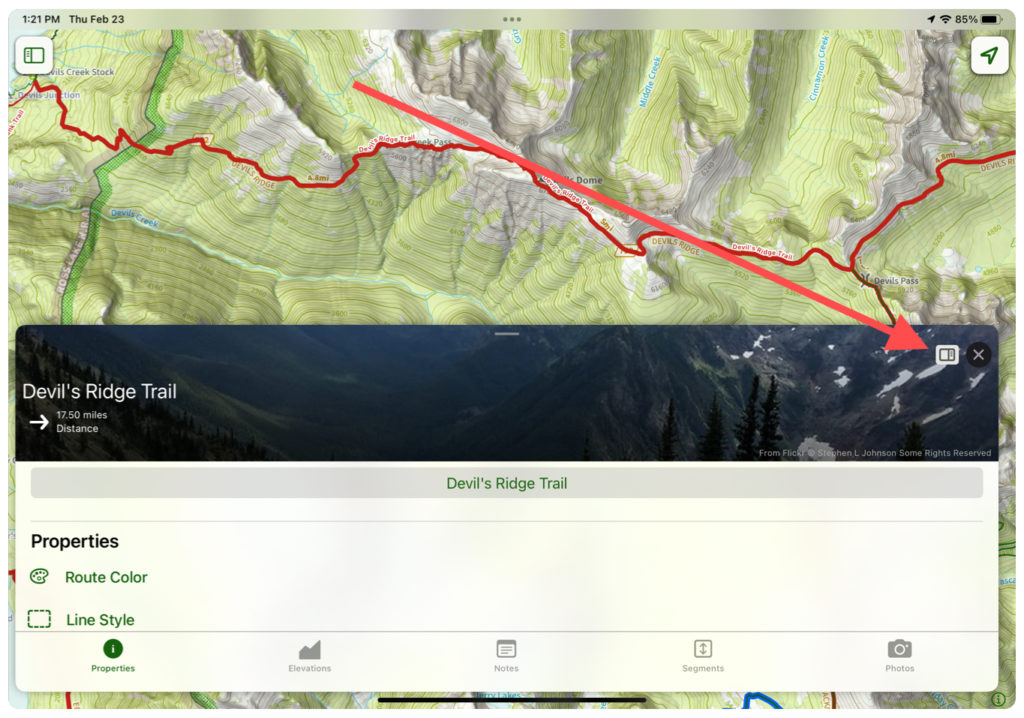
There are several gestures you can do with the menus in Topo Maps+. They are shown here on an iPad to show the benefits of a larger screen, but they are all functional on the iPhone as well.
These gestures can make it easier to create or view while still seeing your menu, or to more easily switch between maps.
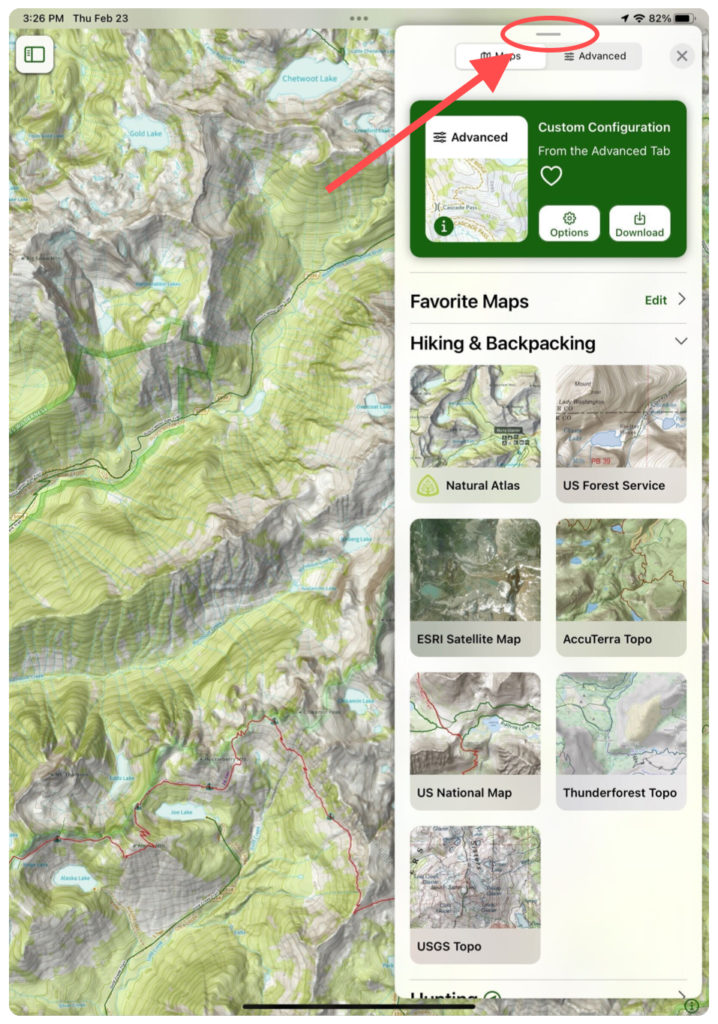
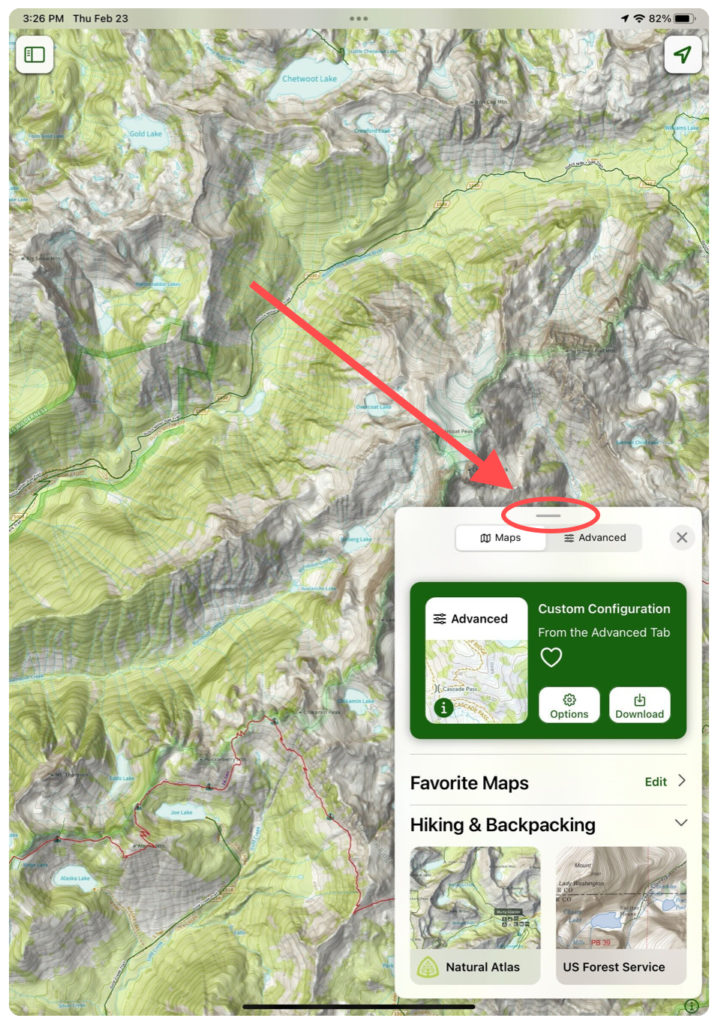
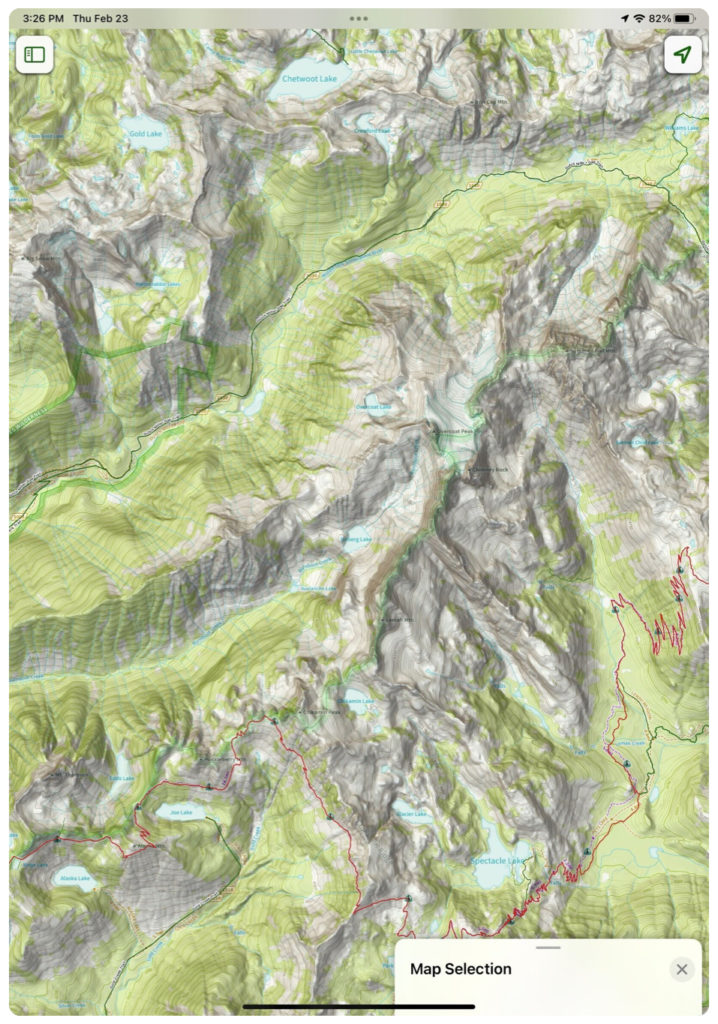
For example, swiping down on the grey segment at the top of a menu will make it smaller or minimize it completely:
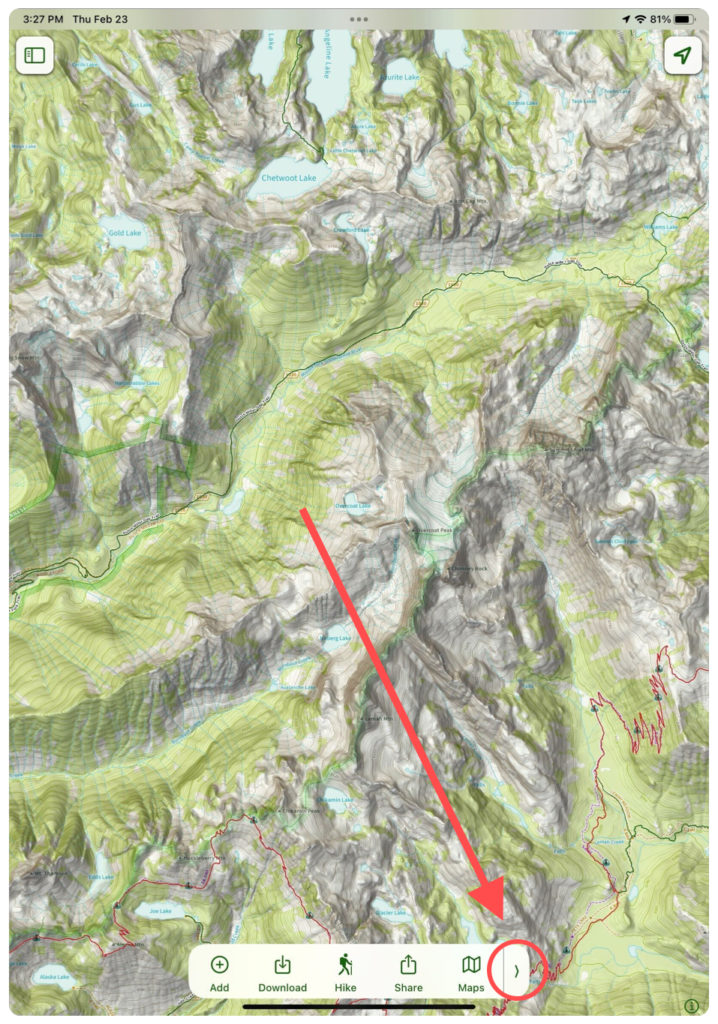
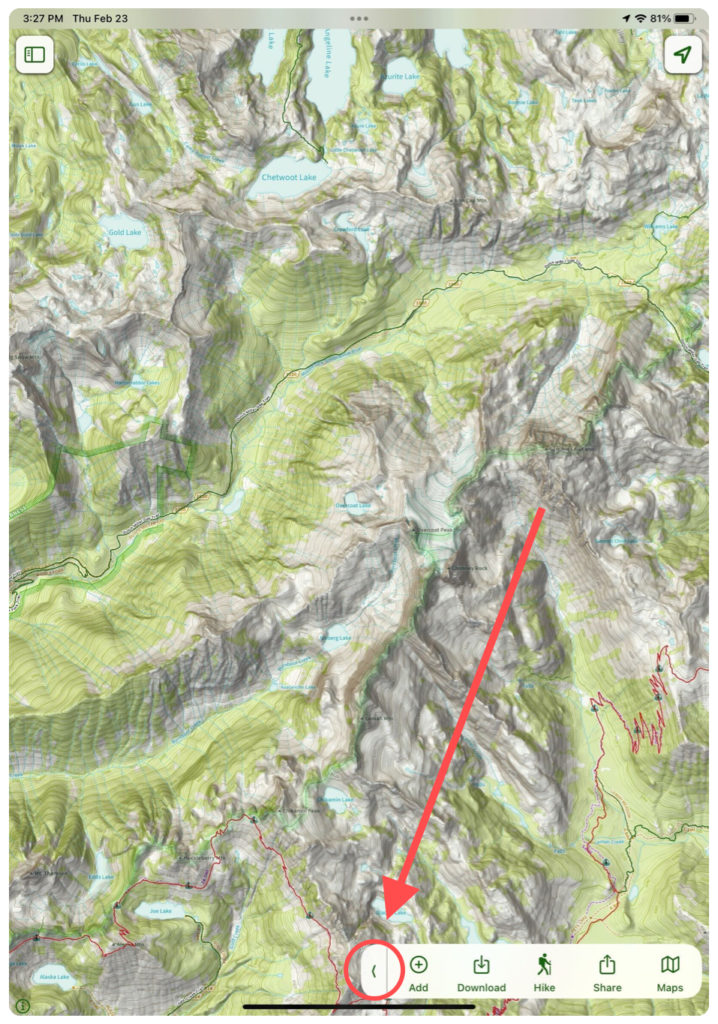
You can also move the toolbar to the side with the arrow icon:
When viewing a trail or route, tap the window icon to switch viewing modes: