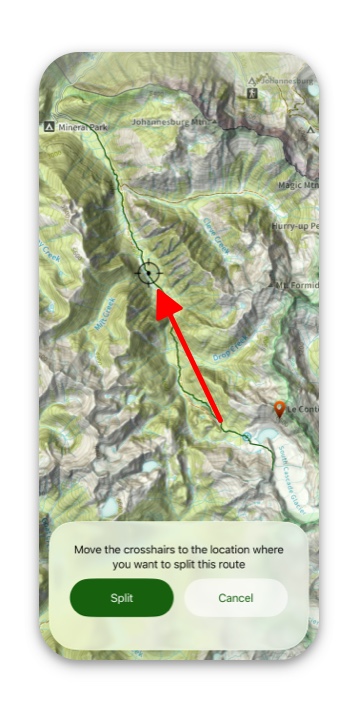
Joining and Splitting are great tools for manipulating routes to be exactly what you want them to be.
For edit options on an individual route, see this article.
How To Join Routes:
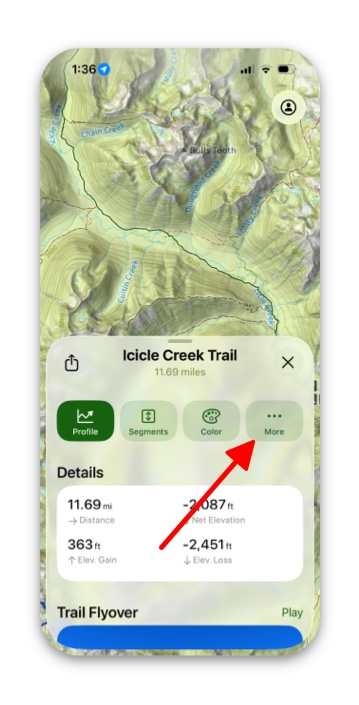
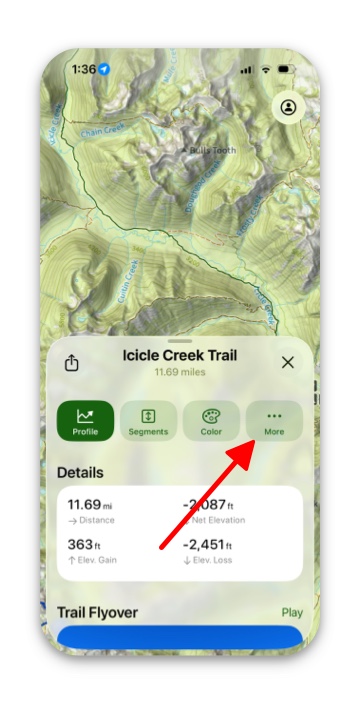
- First tap on your chosen route and pull up the info card. Then tap More.
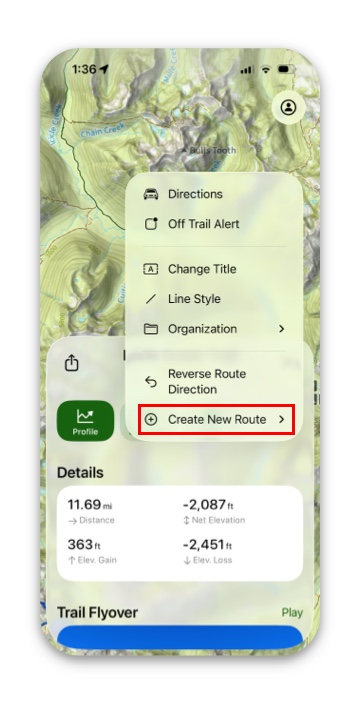
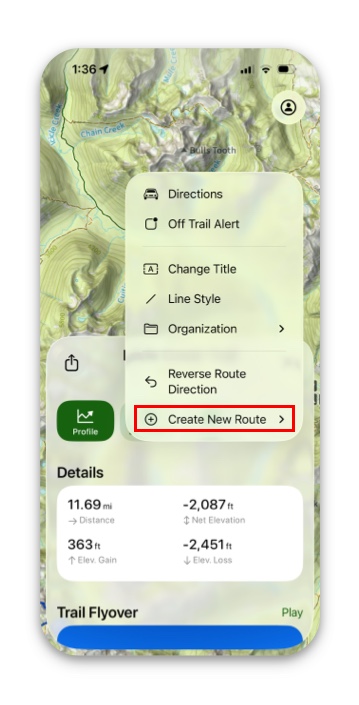
2. Next tap Create New Route.
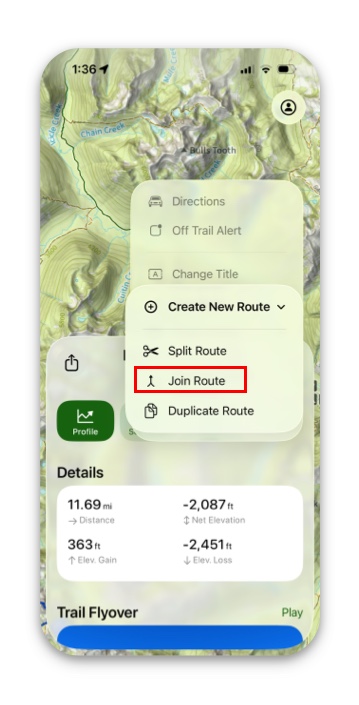
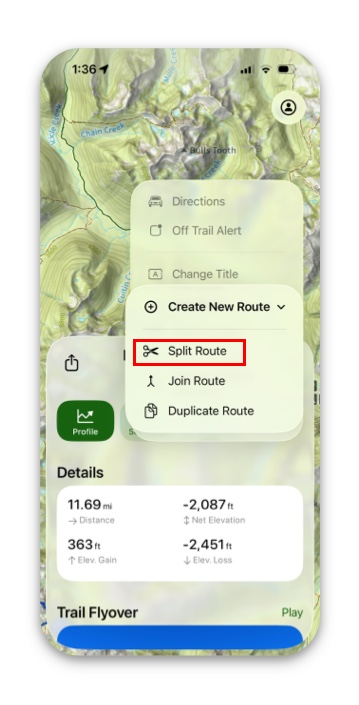
3. Then tap Join Route.
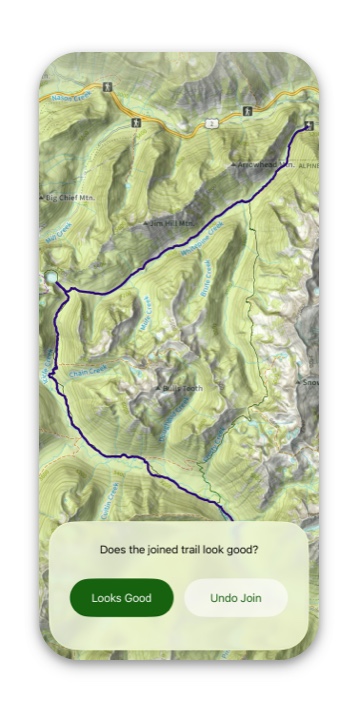
4. Then tap on the trail you want to join, and tap Looks Good or Undo Join.
How to Split Routes:
- First tap on your chosen route and pull up the info card. Then tap Edit.
2. Next tap Create New Route.
3. Then tap Split Route.
4. Then move the crosshairs along the route to the place you want to split them.
Note: Once you’ve split a route, you’ll have 3 routes in total: each half of the split, as well as the original route.