
If you have an iPad with an external keyboard, you can use keyboard shortcuts within Topo Maps+ just like on a Mac.
To view shortcuts, hold the command (⌘) symbol:
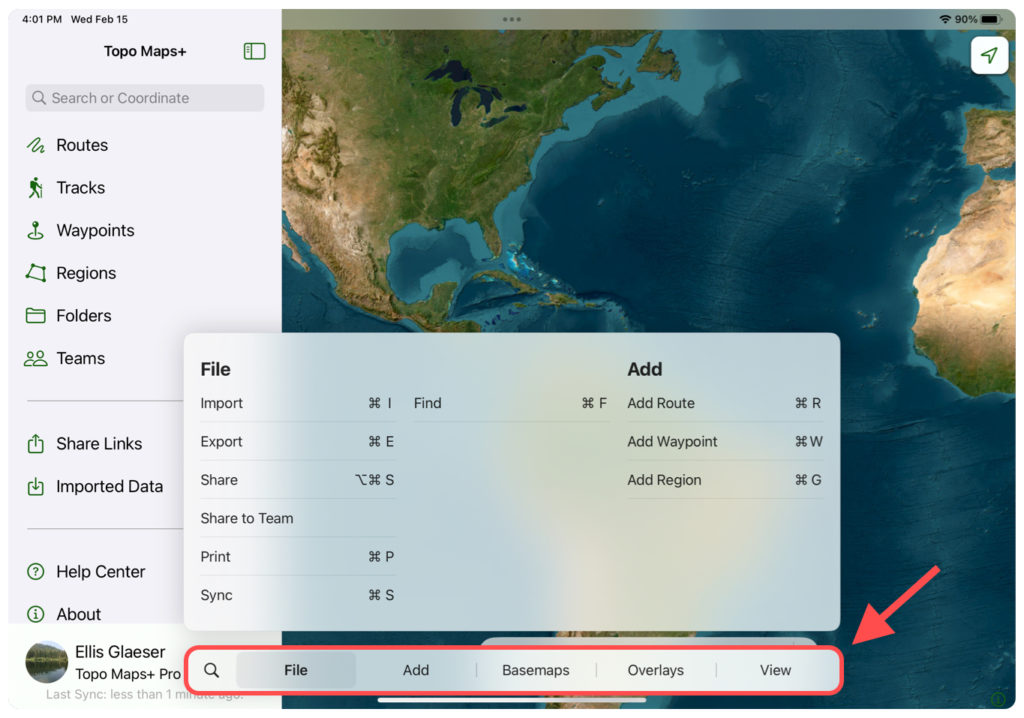
Swipe between sections in either the large menu or the toolbar below.
Perhaps the most helpful shortcuts are the basemap and overlay shortcuts.
Basemap Shortcuts: (These are what you have selected as “favorite maps” in the Advanced Map Dashboard slider. In that menu, tap “Edit” at the top to customize.)
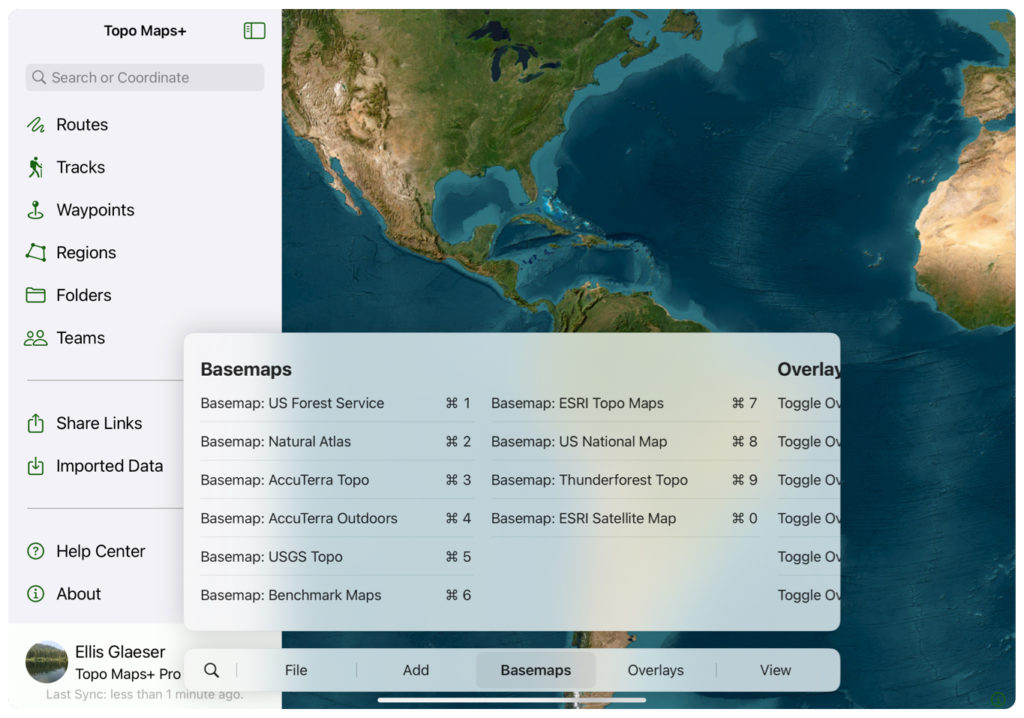
⌘1, ⌘2, ⌘3, ⌘4, ⌘5, ⌘6, ⌘7, ⌘8, ⌘9, ⌘0 = Toggle between basemaps with each number.
Overlay Shortcuts: Use these shortcuts to toggle overlays on/off:
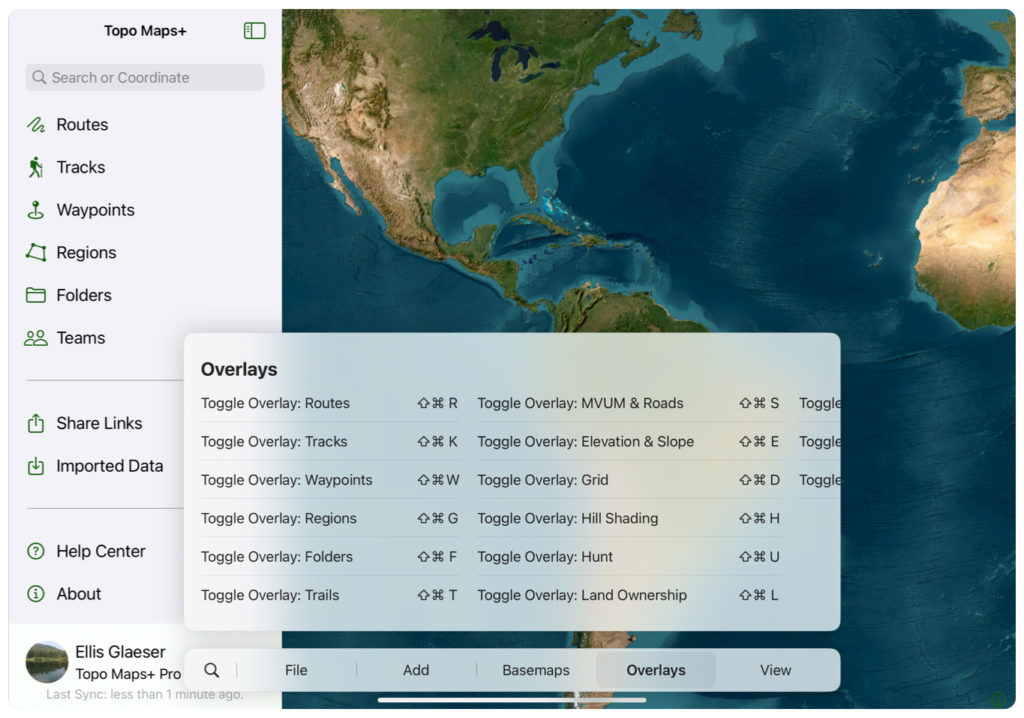
⇧⌘R = Toggle “Routes” overlay
⇧⌘K = Toggle “Tracks” overlay
⇧⌘W = Toggle “Waypoints” overlay
⇧⌘G = Toggle “Regions” overlay
⇧⌘F = Toggle “Folders” overlay
⇧⌘T = Toggle “Trails” overlay
⇧⌘S = Toggle “MVUM & Roads” overlay
⇧⌘E = Toggle “Elevation & Slope” overlay
⇧⌘D = Toggle “Grid” (UTM or lat/long) overlay
⇧⌘H = Toggle “Hill Shading” overlay
⇧⌘U = Toggle “Hunt” overlay
⇧⌘L = Toggle “Land Ownership” overlay
⇧⌘M = Toggle “Maps” overlay
⇧⌘P = Toggle “Photos” overlay
⇧⌘A = Toggle “Weather” overlay
Here is a list of the other shortcuts:
⇧⌘ = Log out
⌘, = Settings
⌘I – Import
⌘E = Export
⌘P = Print
⌘R = Add Route
⌘W = Add Waypoint
⌘G = Add Region
⌘+ = Zoom In
⌘- = Zoom Out