
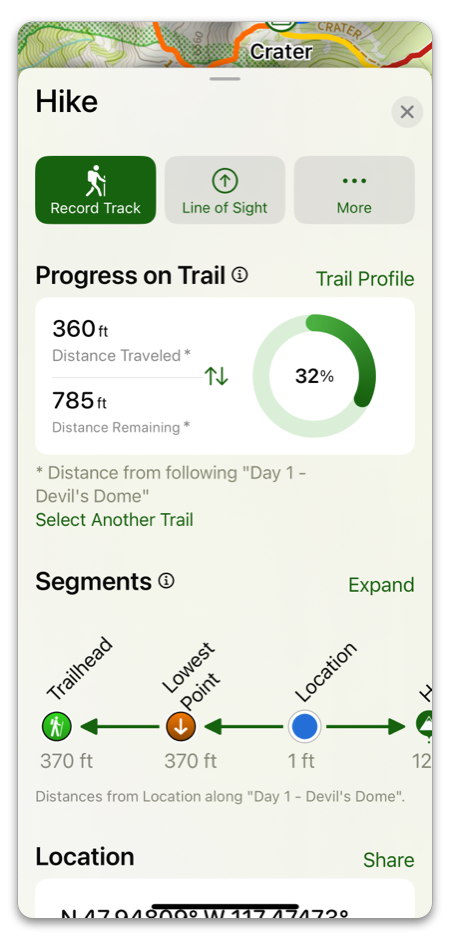
While out on the trail, the hike menu is your go-to. Here are its main features:
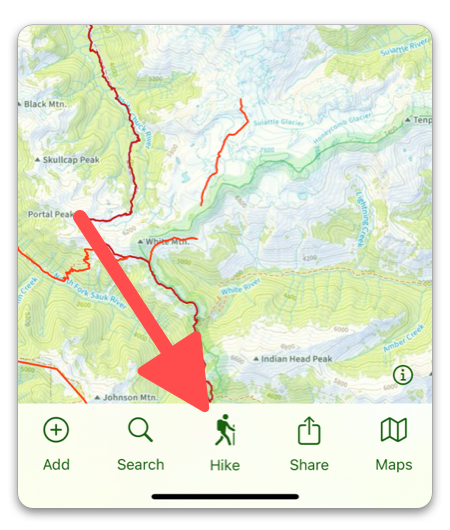
Simply tap on the “Hike” button to pull it up:
Line of Sight:
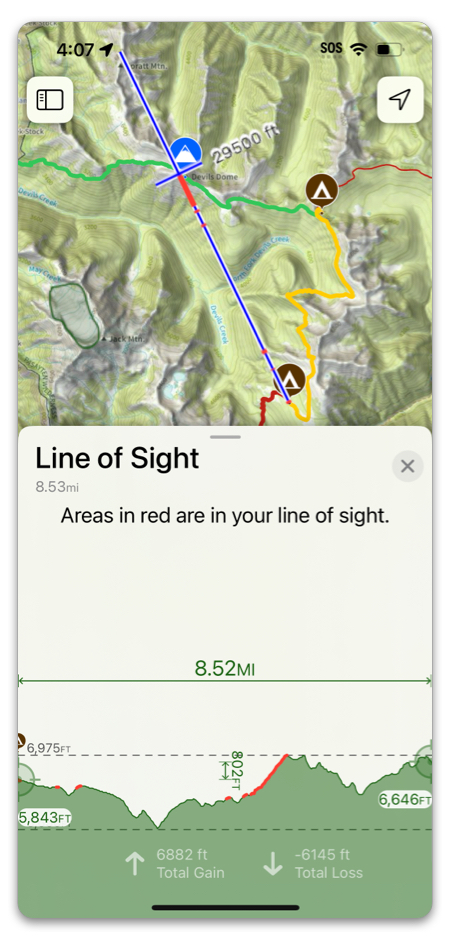
Tap Line of Sight for a cool feature to see what peaks you’re actually looking at (see more here):
Progress on Trail:
If there is a trail or route at your location, Topo Maps+ will automatically choose one for you to follow, but you can always change this by tapping Select Another Trail.
You can view segments along that trail right below (tap Expand to view a full screen version)
Proximity Alerts:
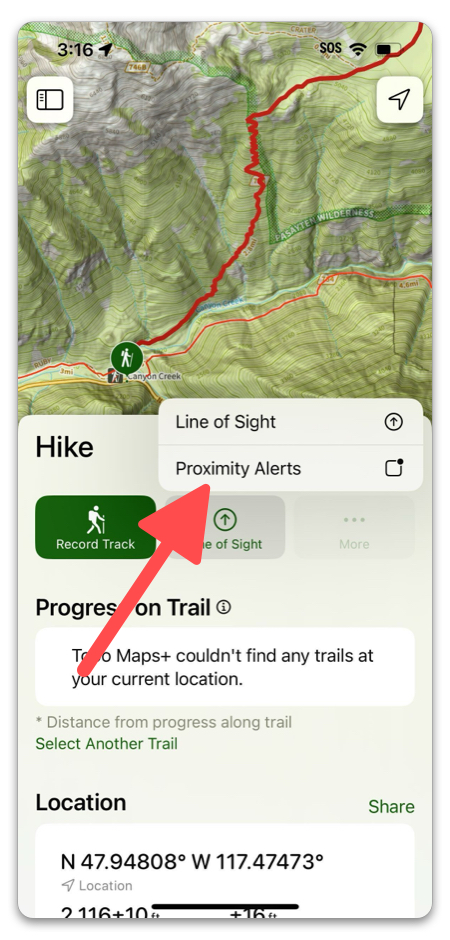
Tap More -> Proximity Alerts to enable/disable alerts for routes, waypoints & regions. Learn more about Proximity Alerts here.
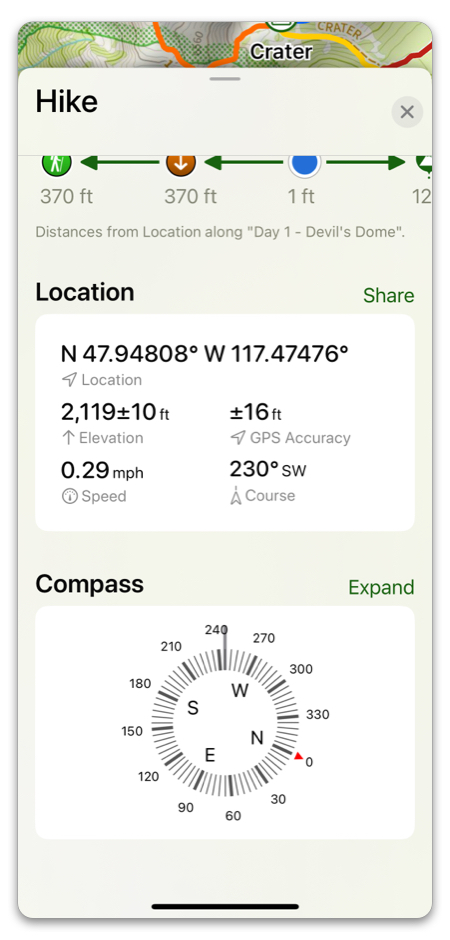
Location Data & Compass:
At the bottom of the card, you can view data for your location & tracking speed, as well as compass data.
Don’t forget to download any maps you will need for going offline!
Happy Trails!