To use Topo Maps+ offline you need to download maps before you head out. All downloaded maps will be available to use when you are offline in the backcountry.
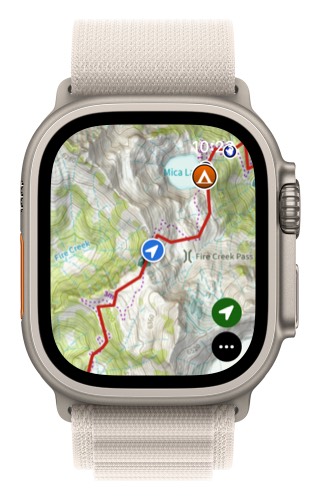
- Tap on the menu button in the lower right corner.
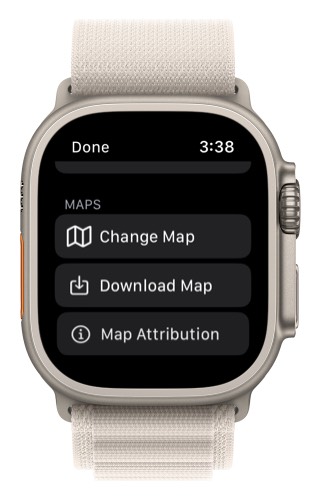
2. Scroll down and select “Download Map”.
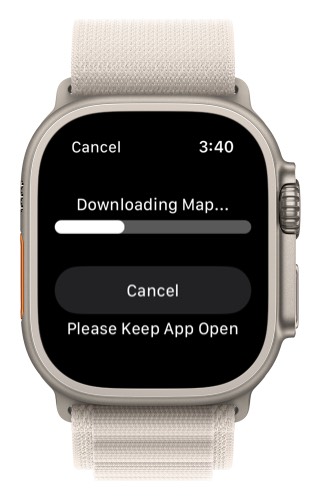
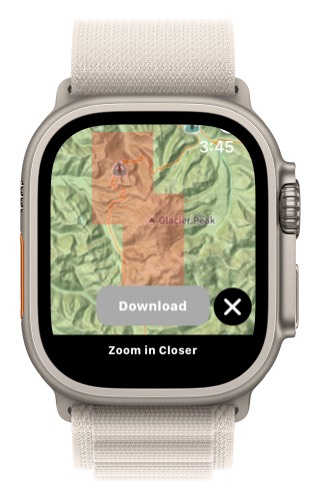
Next pan and zoom the map to the are you want to download and then tap on the “Download” button.
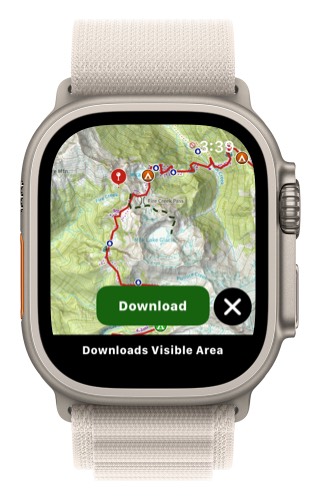
This will then download the area visible on the map.
Any area that is downloaded will have a red box over it. This lets you check to see which areas are downloaded.
To delete a downloaded map:
- Tap on the menu button in the lower right corner (3 dots)
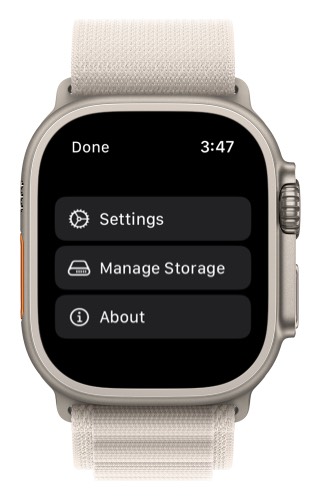
- Scroll down and select “Manage Storage.”
Tap on a downloaded map you want to delete.
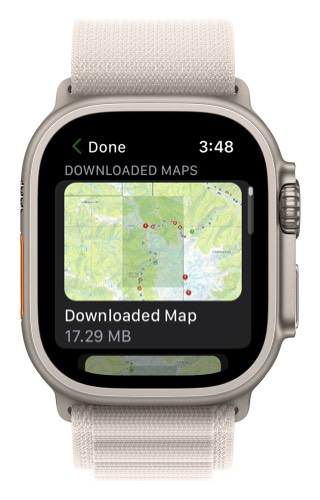
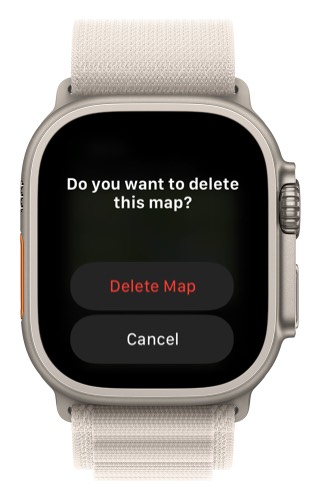
Select “Delete Map”