
This requires an Apple Watch Ultra
Recording Tracks
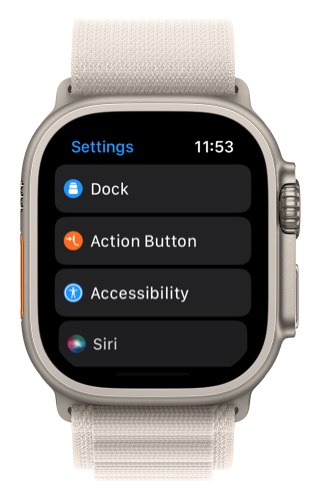
- Open the Settings app on your Apple Watch
- Select “Action Button”
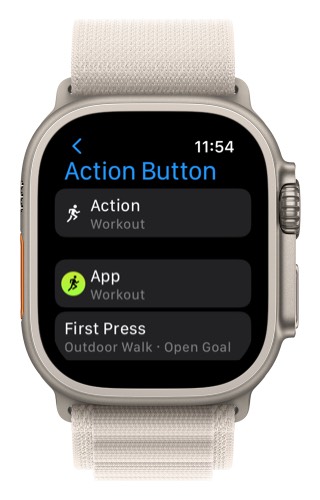
3. For the “Action” make sure that “Workout” is selected.
4. Tap on “App”
5. Select Topo Maps+
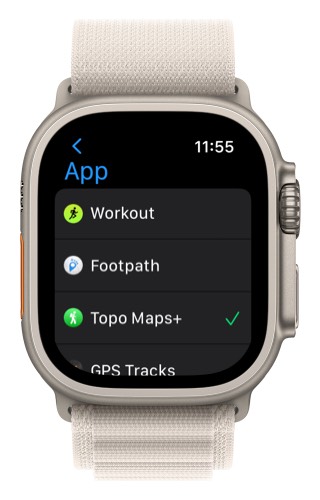
Now, the first time you press that Action Button it will start new recording in Topo Maps+.
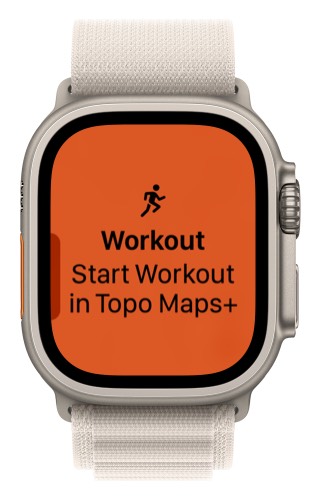
Then, when you press the Action Button it will toggle between the map and the metrics.
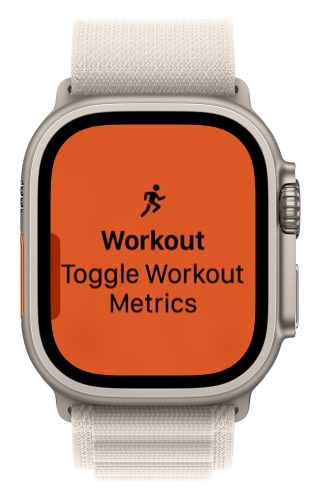
This allows you to use Topo Maps+ without needing to touch the screen. You can use the action button combined with the digital crown to zoom the map, see metrics, and switch between the different metric screens.
Adding a Waypoint
- Open the Settings app on your Apple Watch
- Select “Action Button”
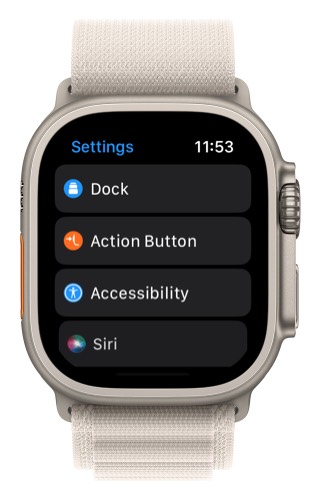
3. Tap on “Action”
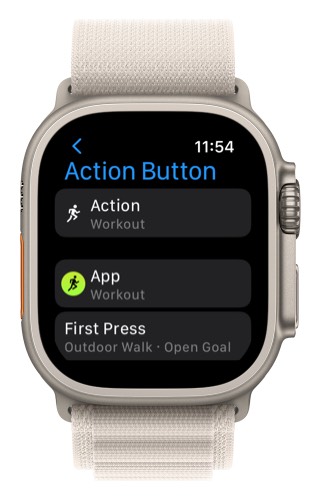
4. Select “Shortcut”
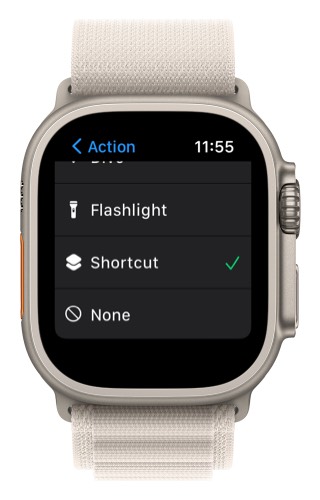
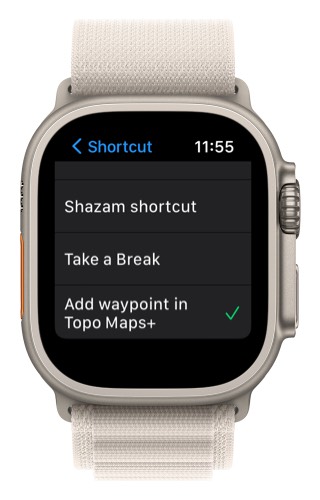
5. Then for the shortcut select “Add waypoint in Topo Maps+”
For more help on using the action button visit: https://support.apple.com/en-us/HT213335