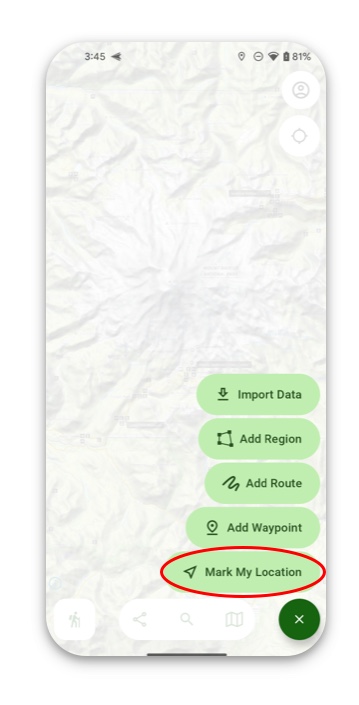
There are 3 different ways to add a waypoint on the map:
1. Manually Add a Waypoint
To do this, simply tap and hold the map on the spot where you want to create a waypoint. After that tap Add.
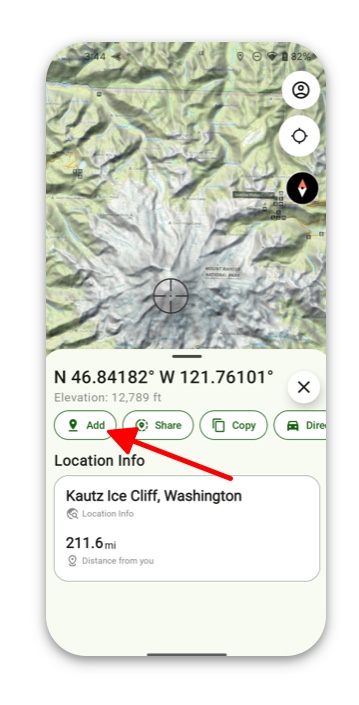
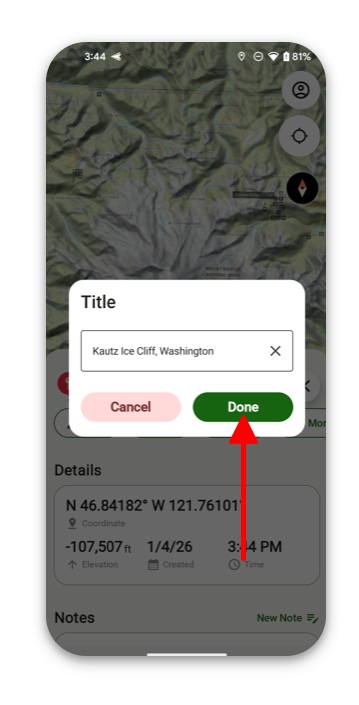
Then Title Your Waypoint and tap Done.
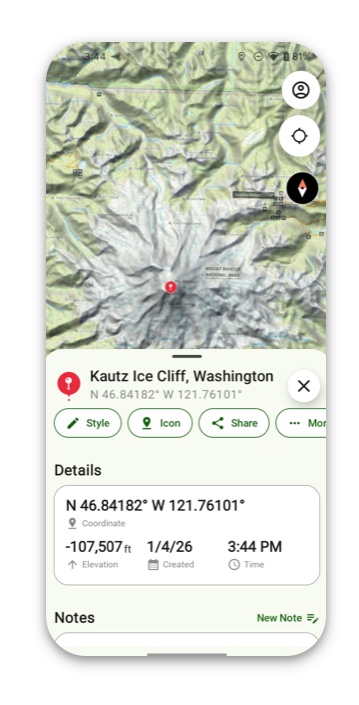
From there you can view the details of your waypoint and add a note or icon.
2. Add Waypoint By Tapping Add
Simply tap Add in the bottom left corner of the screen.
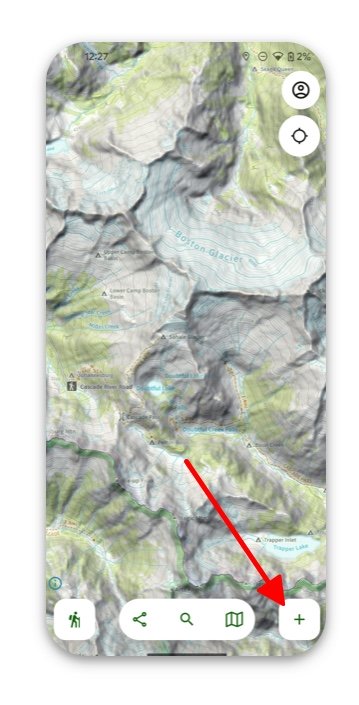
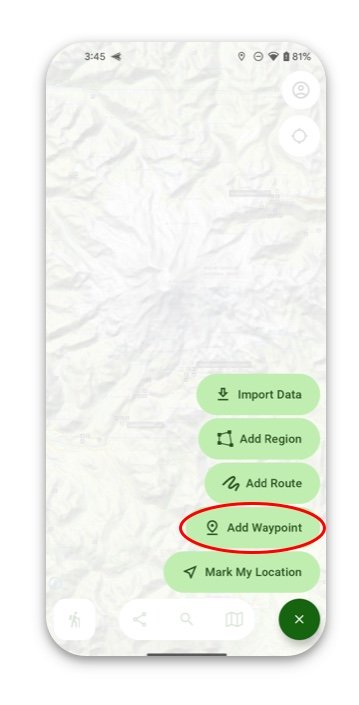
Then tap Add Waypoint.
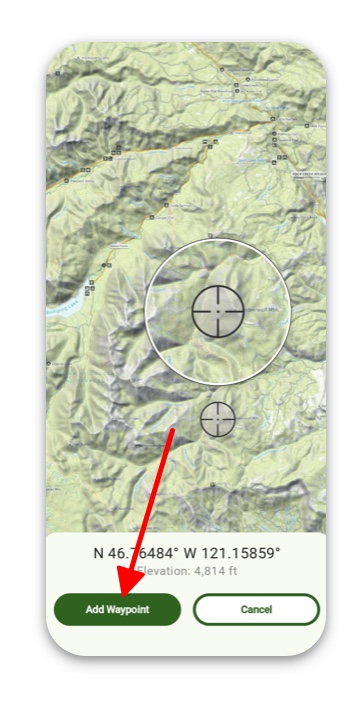
Here you can easily move the crosshairs across the screen to where you want to create your waypoint.
3. Add a Waypoint at Your Location
Tap Add in the bottom left corner of the screen and then tap Mark My Location.