
A really good all-purpose map view is the Natural Atlas basemap with ESRI Hill Shading and AccuTerra Slope added on top:
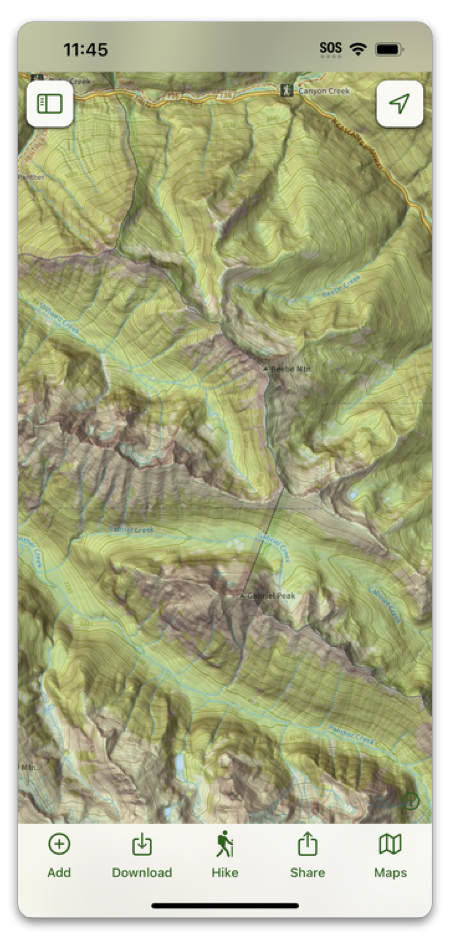
Here’s how to set it up:
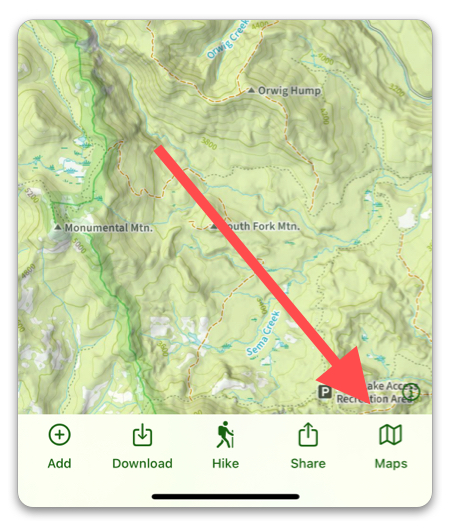
- Tap the folded map icon in the bottom right corner.
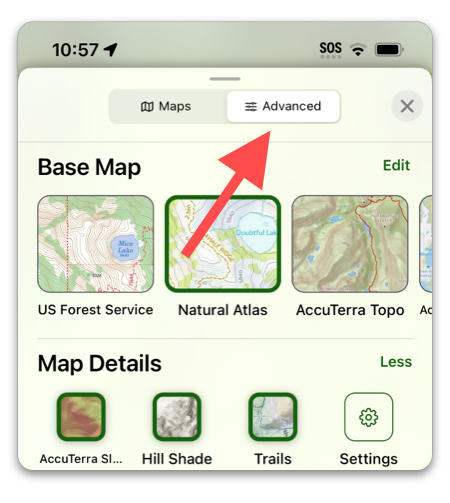
2. Select the “Advanced” tab.
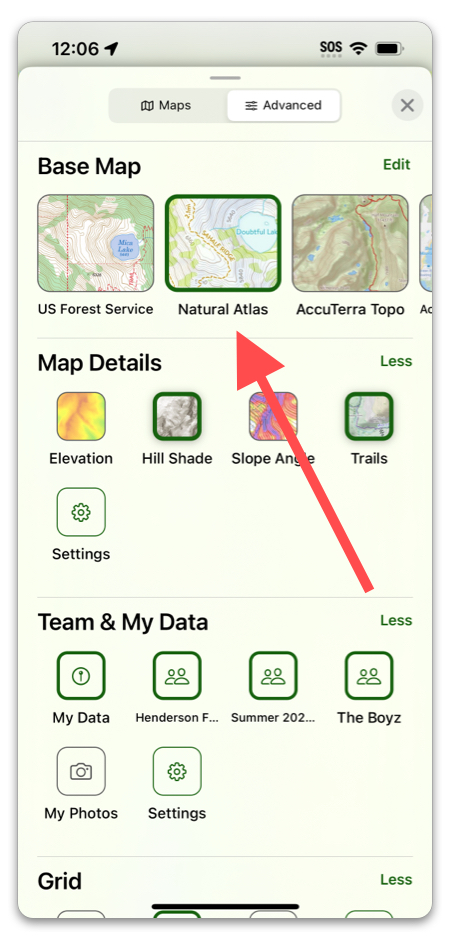
3. Select “Natural Atlas” if it is not already the active map. If it does not show up in the slider, tap “See All”, and look for it under “Our Go-To Maps”.
Now for the Hill Shading Overlay:
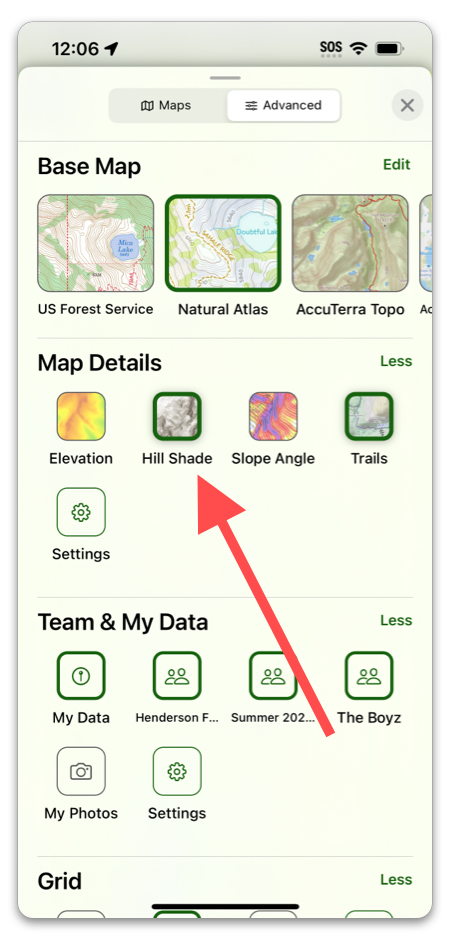
4. Tap “Hill Shade”.
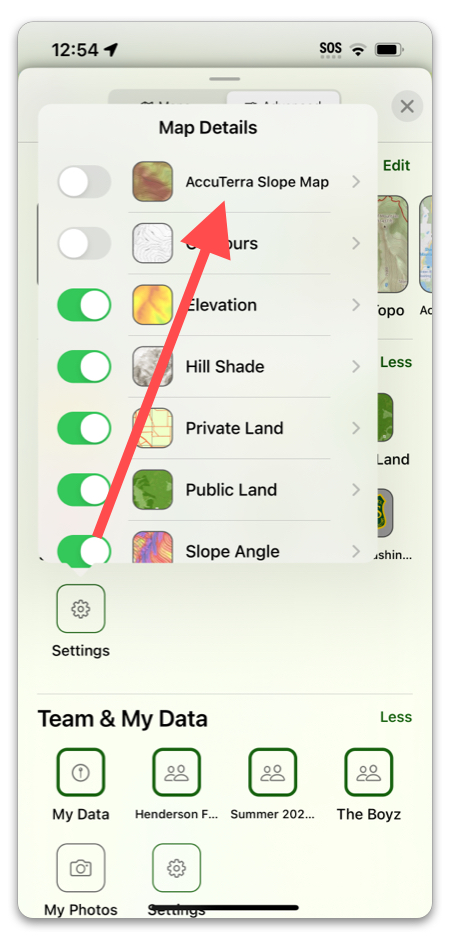
5. Tap “Settings”, then toggle AccuTerra Slope Map on.