
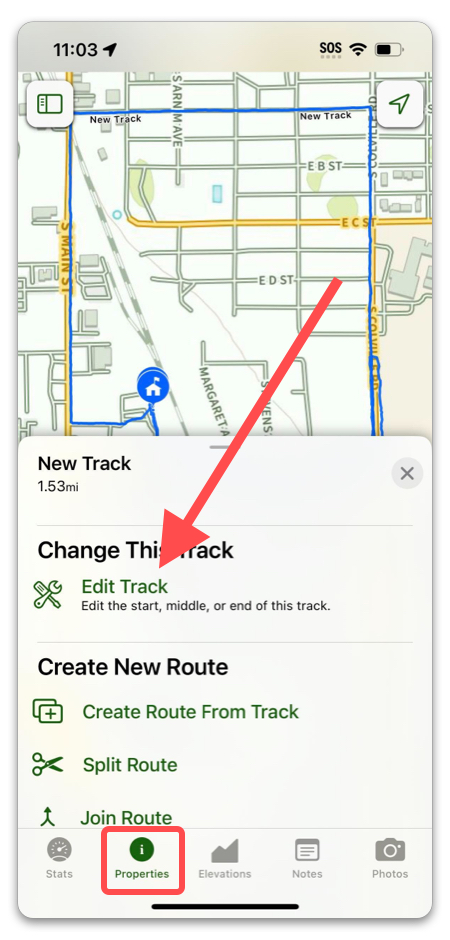
- Select a Track and tap on “Edit Track” in the Properties tab.
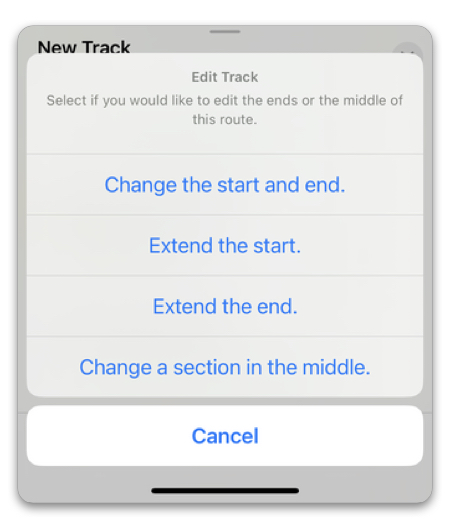
2. Select a method of editing.
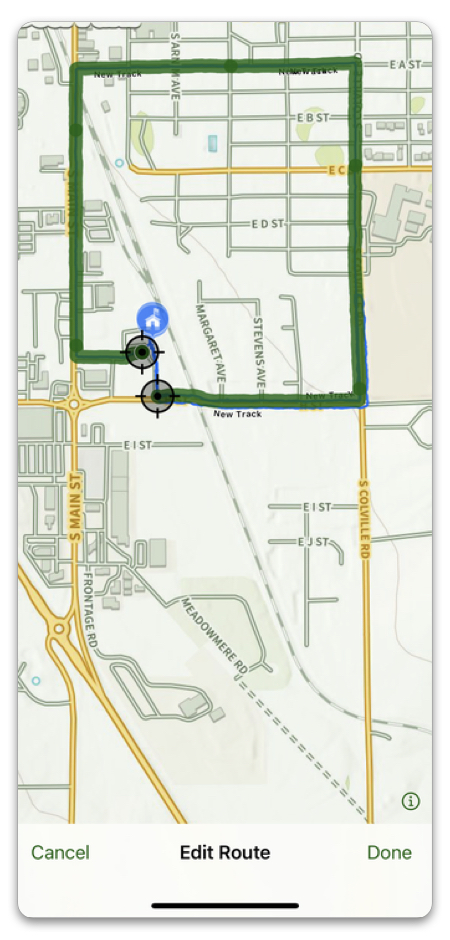
3. Edit the track using the crosshairs.
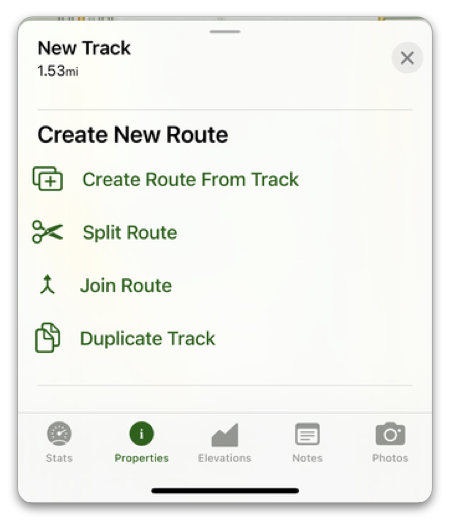
4. Back in the Properties tab, you can also:
- Create a Route from the Track
- Split Route (this creates a Route copy of your Track and then splits it)
- Join Route (makes your Track into a Route and joins with another Track or Route)
- Duplicate Track