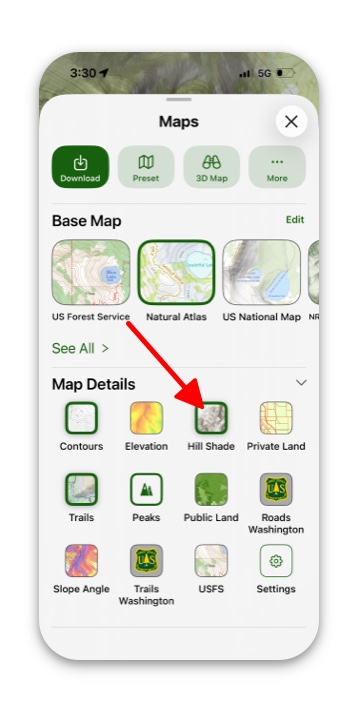
Hill shading not only enhances the visual appeal of a map but also makes the hills stand out, providing a helpful visual guide.
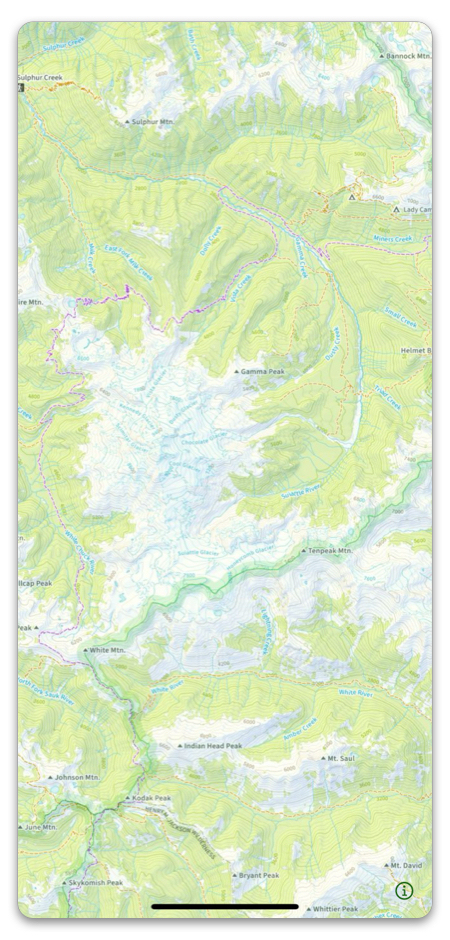
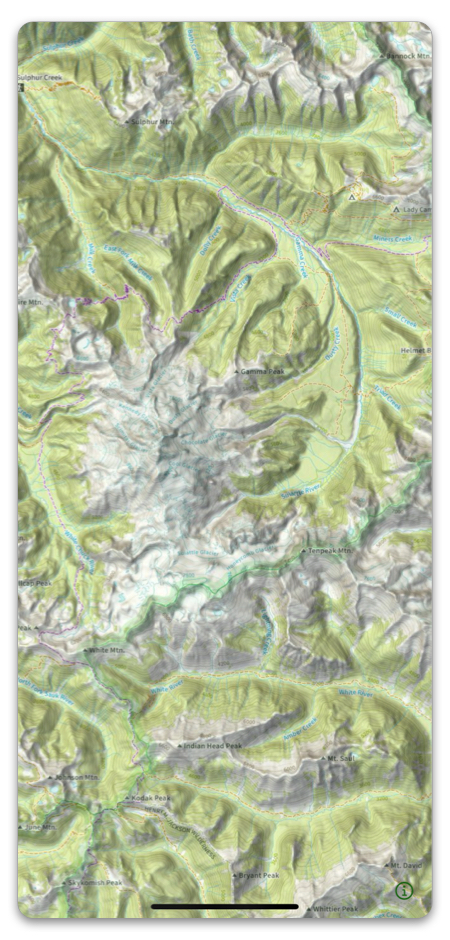
How to activate Hill Shading:
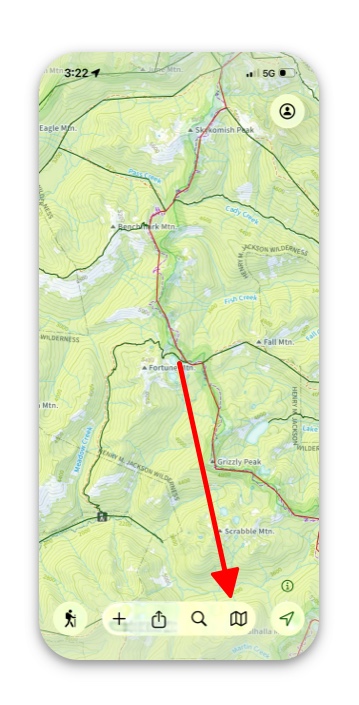
- Tap the folded map icon in the bottom right corner.
2. If you’re viewing the Preset Maps menu, tap Advanced.
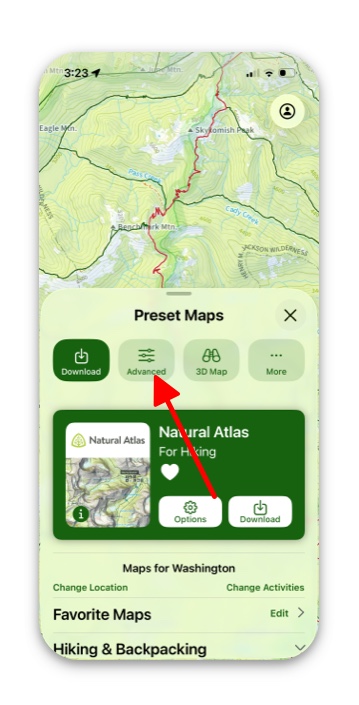
3. Scroll down to the section Map Details, and tap Hill Shade.