
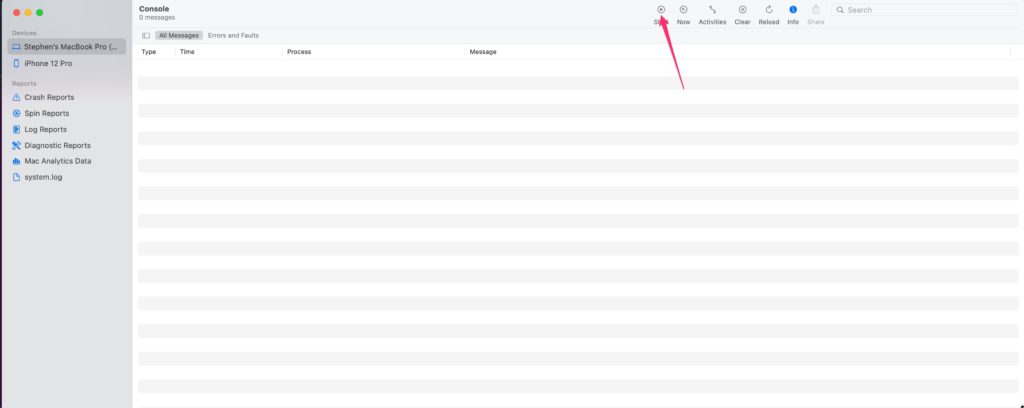
- Open the Console.app app
- Click on Start
3. Try to update Topo Maps+ on the Mac App Store.
4. Return to the Console app.
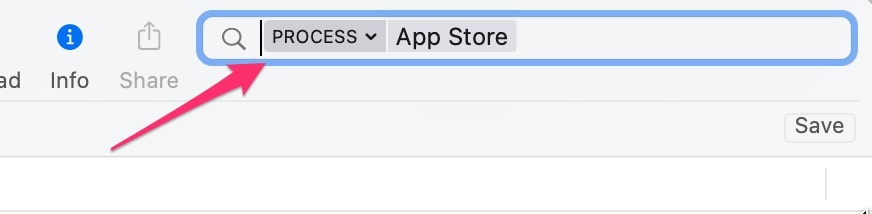
5. In the search bar type in “App Store”.
6. Then click on the down arrow right next to your search and select “Process”.
7. Then type command-a to select all App Store logs in the console.
8. Click on the Share button and select “Notes”.
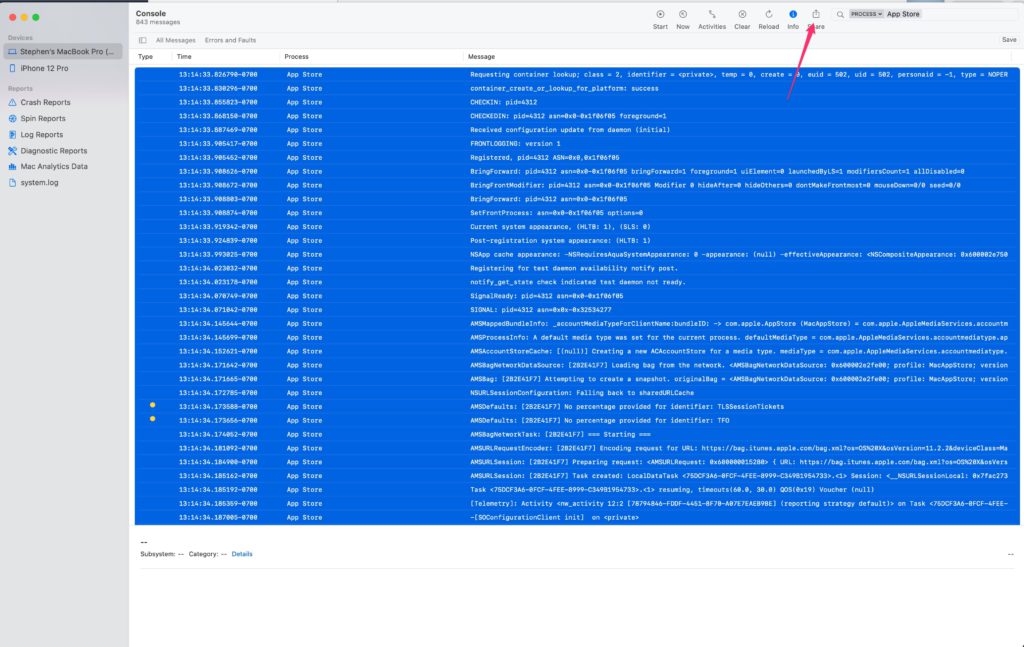
9. Then copy the text from Notes and email it to us
Stephen can look through the log and see if it has any more detailed info on why it can’t update. The error message you are getting is pretty generic and maybe there is some other underlying issue that we can resolve with the info about Topo Maps+.